You've built a loyal following online, orders are coming in, and your brand has a voice. Then a friend or one of your loyal customers suggests: "Have you thought about a pop-up?"
It sounds exciting, and it can be. However, what nobody tells eCommerce founders is just how different the cost structure of a physical pop-up is from running a digital store. Online, your overheads are largely fixed and predictable. Offline, you're suddenly dealing with venue deposits, logistics, equipment hire, staffing, and a dozen vendors, all at once.
Getting the numbers wrong doesn't only hurt your margins. It can also turn a brand-building moment into a cashflow crisis.
This guide breaks down every pop-up store cost you need to plan for, and how to manage the spend without losing control of your budget.
Why eCommerce brands are going offline
Direct-to-consumer brands are increasingly using pop-ups not just to increase sales, but as a deliberate brand strategy. A temporary physical presence lets you:
- Meet customers face-to-face and build trust that no product page can replicate
- Test physical retail without committing to a lease
- Create content — pop-ups generate social proof, photography, and organic engagement
- Sell high-consideration products that customers want to see, feel, or try before buying
The goal isn't always to maximise revenue on the day. Often, the pop-up is a marketing investment, which makes budgeting for it even more important.
The full breakdown of pop-up store costs
Venue rental
Venue hire is usually the headline cost, and it varies enormously depending on location, duration, and format.
In Hong Kong, a short-term pop-up space in high-traffic areas like Causeway Bay, Mong Kok, or Central can vary enormously. A weekend market stall sits at a very different price point from a standalone retail unit in a prime mall. Mall pop-ups often involve revenue sharing arrangements on top of a base rental fee, so read the terms carefully.
What to budget for:
- Base rental fee
- Security deposit (often one to two weeks' rental)
- Cleaning or restoration bond
- Any percentage-of-revenue clause if applicable
Consider negotiating early as venue operators are often more flexible on price than they appear, especially for mid-week slots or off-peak periods.
Fit-out and display
Your space needs to communicate your brand the moment someone walks past. For an eCommerce brand, this is both a strength if you have a strong visual identity, and a challenge as you're building a physical environment from scratch.
Display costs include:
- Shelving, racks, tables, and display units (owned or hired)
- Branded backdrops, signage, and banners
- Lighting — especially important if the venue lighting is poor
- Props, decorations, and any custom fabrication
Costs here range widely. A minimal, well-styled setup using rented furniture is at a very different scale from a fully custom-built branded environment, and most first-time operators find their actual spend lands somewhere between the two.
Pro tip: Consider renting before you buy. Furniture and display hire companies are worth using for your first pop-up. Once you know what works, you can invest in owned fixtures for future events.
Staffing
Staffing is one of the most commonly underestimated pop-up store costs, particularly for eCommerce brands that are used to running lean with a remote team.
A typical pop-up requires:
- Sales floor staff to engage customers and handle transactions
- A setup and breakdown crew for the days before and after the event
- Security if you're holding significant stock or operating late hours
In Hong Kong, daily rates for experienced retail or event staff vary depending on experience level, agency, and the nature of the role. For a multi-day pop-up with floor staff and a setup crew, labour typically accounts for a meaningful portion of your total budget, often more than first-time operators expect.
If you're using your own team, don't forget to factor in overtime, transport allowances, and meals.
Payment hardware and processing
This is one area where eCommerce brands often have a blind spot. Online, your payment infrastructure is already set up. Offline, you need to accept payments reliably on the day, and Hong Kong consumers expect options.
At a minimum, your pop-up needs to cover:
- Contactless card payments (Visa, Mastercard)
- Local payment methods: FPS, PayMe, AlipayHK, WeChat Pay HK, Octopus
- A POS system or sales tracking method to manage inventory
- A reliable internet connection (or a 4G/5G backup)
For eCommerce brands testing physical retail for the first time, committing to dedicated payment hardware before you've validated the format can feel premature.
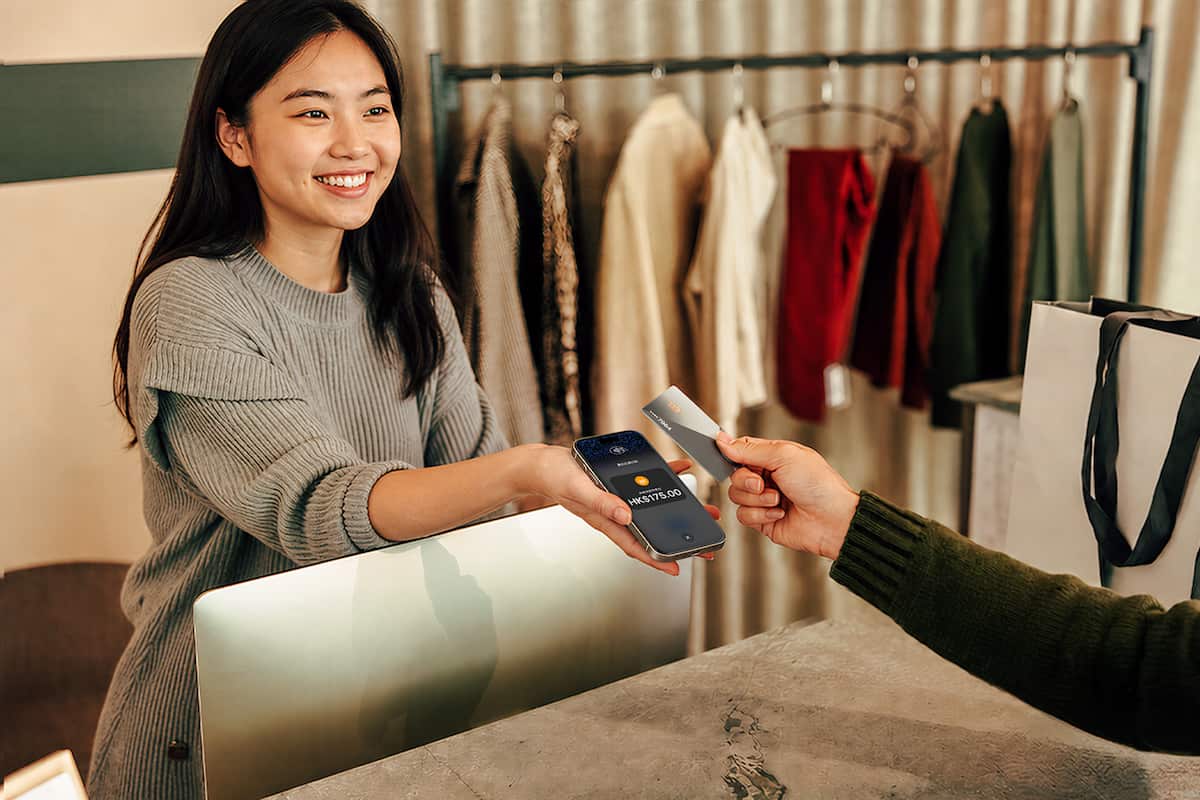
KPay Tap to Pay lets you accept contactless card and mobile wallet payments directly on your iPhone with no terminal required. It's a practical starting point for smaller or first-time pop-ups, and you can scale up to a full terminal setup as your offline events grow. Additionally, there is a cashier mode where there isn't a need for a registered KPay account to start accepting payments. This mode enables staff to accept payments via Tap to Pay, but does not allow them to view all business data, keeping your business data safe.
Static QR codes are another low-friction option worth building into your setup. Place a printed QR code at your display or checkout point and customers scan to pay, with no staff interaction needed. For busy pop-ups with limited headcount, this removes a checkout bottleneck entirely and keeps the queue moving. KPay Static QR Code meets this need as it is built around simplicity:
- One QR code. Two major wallets: A single KPay static QR code accepts both AlipayHK and WeChat Pay HK. Customers open their preferred app and scan. This means there's no separate setup per scheme, and no extra steps at checkout for your staff.
- No hardware. No installation: There's nothing to plug in or install. Your QR code is ready to display the moment you have it. You can print it, laminate it, prop it on the counter. It works without power and without Wi-Fi, which means no downtime during a connection drop or power outage.
- Real-time transaction records: Every payment is captured and recorded in real time. There's no waiting for end-of-day reconciliation or manually cross-referencing bank statements as transactions appear immediately, so you always know where your money is.
For merchants ready to stop turning away customers who pay by digital wallet, KPay Static QR Code payment is one of the fastest ways to get live with no hardware cost and no complex onboarding.
For larger activations, a dedicated payment terminal remains the most reliable option. Many providers offer short-term rental packages for events. Don't leave this to the last minute; availability tightens before major shopping periods.
Failing to offer multiple payment options at a pop-up can have a big impact on conversion. Hong Kong consumers are mobile-first; many carry limited cash. If you can't accept their preferred payment method, you may lose the sale.
Stock and inventory
For most eCommerce brands, stock is already on hand, but transporting, storing, and managing it at a pop-up adds cost.
Factor in:
- Logistics and transport to get stock to and from the venue
- On-site storage if your display space doesn't accommodate all your inventory
- Packaging materials including bags, tissue paper, and boxes that you may not stock in bulk
- Shrinkage and damage allowance, especially for high-traffic events
It's important to resist the temptation to over-stock your first pop-up. Bring enough to have a full, professional display, but keep additional inventory manageable. Keep in mind that unsold stock has to be transported back, adding cost and effort.
Marketing and promotion
Your pop-up won't drive footfall unless you tell people about it. For an eCommerce brand, this is where your existing digital channels become a major advantage.
Typical pop-up marketing costs include:
- Paid social media advertising to drive awareness and footfall
- Printed flyers or posters if the venue is in a high-traffic location
- PR outreach or influencer collaboration fees
- Event listing fees on platforms like Klook or local event aggregators
- Photography or videography on the day
Marketing budgets for pop-ups vary significantly depending on your existing audience size and the scale of the activation. A brand with an established social following can drive meaningful footfall organically, while a newer brand may need to invest more heavily in paid channels to compensate.
Insurance and permits
This is the category most first-timers skip until something goes wrong.
Depending on the nature of your pop-up, you may need:
- Public liability insurance to cover customer injuries or property damage
- Business registration documentation if operating commercially
- Venue-specific permits depending on the activities involved (food sampling, live demonstrations, etc.)
Operators should verify the specific requirements with the venue and relevant authorities. Costs for basic public liability coverage are relatively modest, but the risk of operating without it is significant.
Miscellaneous and contingency
Every pop-up operator will tell you the same thing in hindsight: budget for the unexpected.
Common unplanned costs include:
- Last-minute equipment hire or replacements
- Additional staff if footfall exceeds expectations
- Extra packaging materials
- Gratuities for venue staff who go above and beyond
- Travel and logistics that took longer than planned
A standard rule: Consider adding 15–20% to your total estimated budget as a contingency buffer. This is rarely wasted.
Pop-up store cost planning framework: a Hong Kong eCommerce brand
Use this as a planning framework for a three-day pop-up in a mid-size Hong Kong venue. Costs will vary significantly based on location, scale, and negotiated terms — always request quotes before finalising your budget.
| Cost category |
Relative cost weight |
Typical share of total budget |
Notes |
| Venue rental (including deposit) |
High |
30–40% |
Usually the single largest line item; deposit can be significant — remember to clarify refund terms upfront |
| Fit-out and display |
Medium–High |
15–25% |
Hire before you buy on your first run; renting display furniture keeps costs flexible |
| Staffing |
Medium–High |
15–20% |
Easy to underestimate; include setup/breakdown days, not just trading days |
| Marketing and promotion |
Medium |
8–12% |
Lower if you have an established audience; higher if you're building awareness from scratch |
| Stock logistics and packaging |
Medium |
5–10% |
Often overlooked; factor in both delivery to venue and return of unsold stock |
| Payment hardware and processing |
Low–Medium |
3–5% |
Tap to Pay or static QR codes can reduce hardware costs significantly for smaller activations |
| Insurance and permits |
Low |
1–3% |
Modest cost, but skipping it carries disproportionate risk |
| Contingency |
Medium |
15% of subtotal |
Non-negotiable on your first pop-up — unplanned costs are the rule, not the exception |
The hidden operational challenge: Managing vendor payments
Here's something the budget spreadsheet doesn't capture — the sheer number of separate payments you're making in the lead-up to a pop-up.
Venue deposit, display hire company, staffing agency, logistics provider, signage printer, photographer — each one is a separate vendor, often with different payment preferences, different deadlines, and different invoices.
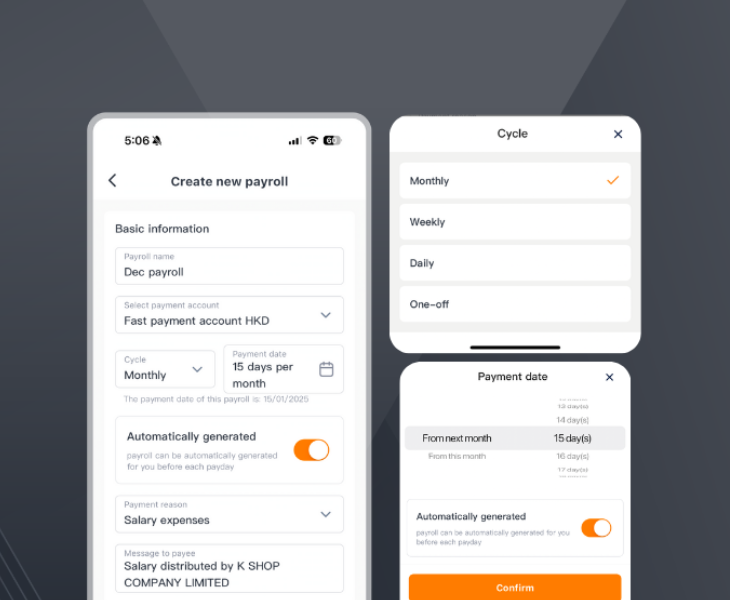
For eCommerce brands used to a streamlined digital payments stack, this can feel chaotic. Additionally, if you're relying on a single debit card or personal card to cover it all, you tend to lose visibility fast.
A corporate card is designed to solve exactly this. eCommerce teams preparing for an offline activation can:
- Issue cards to individual team members with pre-set spend limits — no more chasing expense claims
- Track all pop-up spend in one dashboard, in real time
- Set category controls so budget doesn't get inadvertently misused
- Reconcile all pop-up costs automatically, without manual data entry
It's not just about convenience. When you're managing a pop-up under pressure, having clear financial visibility is the difference between a profitable activation and one that quietly drains more than you planned.
How to make your pop-up financially worthwhile
A pop-up doesn't have to be cash-flow neutral to be valuable. But you should be clear on what success looks like before you spend a single dollar.
- Define your primary objective: Is this a revenue event, a brand awareness play, or a customer acquisition push? Your answer changes how you allocate budget.
- Set a breakeven target: Calculate the minimum revenue or number of leads you'd need to justify the investment. This gives your team a clear target on the day.
- Track everything in real time: Know your spend as it happens, not three weeks later when you're reconciling expenses. This is where having a dedicated corporate card for the pop-up makes a material difference.
- Review and iterate: Your first pop-up will teach you more than any planning session. Document what worked, what cost more than expected, and what you'd do differently next time.
Ready to take your brand offline?
A pop-up is one of the highest-impact moves an eCommerce brand can make when the numbers are right. The brands that come away with a positive return are almost always the ones that planned carefully, tracked spending in real time, and didn't let vendor payments spiral out of control.














.png)