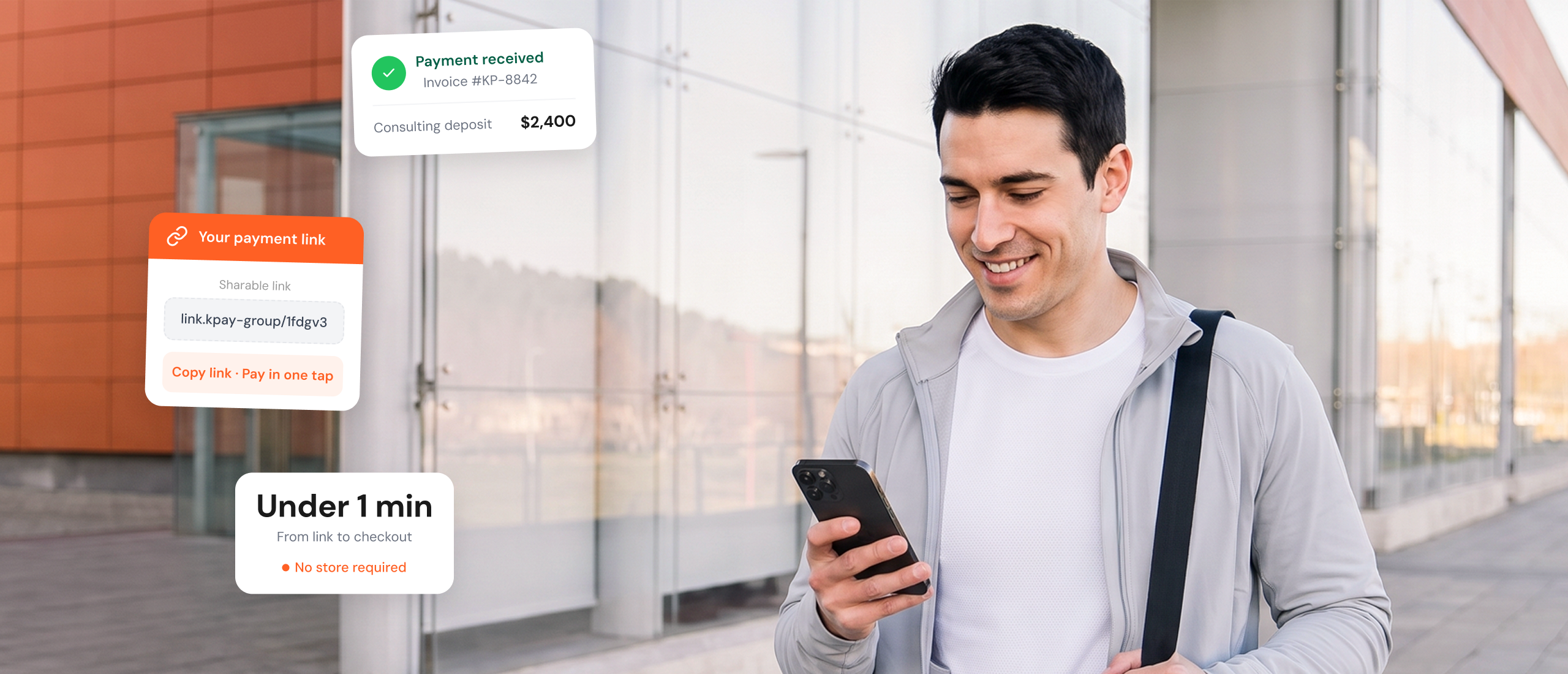

You don't need a complex site to take digital payments. Whether you're a restaurant collecting deposit or a consultant closing a deal, send a secure payment link and get paid instantly.

Generate secure payment links easily via the KPay Merchant App or Merchant Portal.
1
Create
Name your link & set amount
2
Share
Send via WhatsApp, SMS, or QR
3
Get paid
Money lands in your account
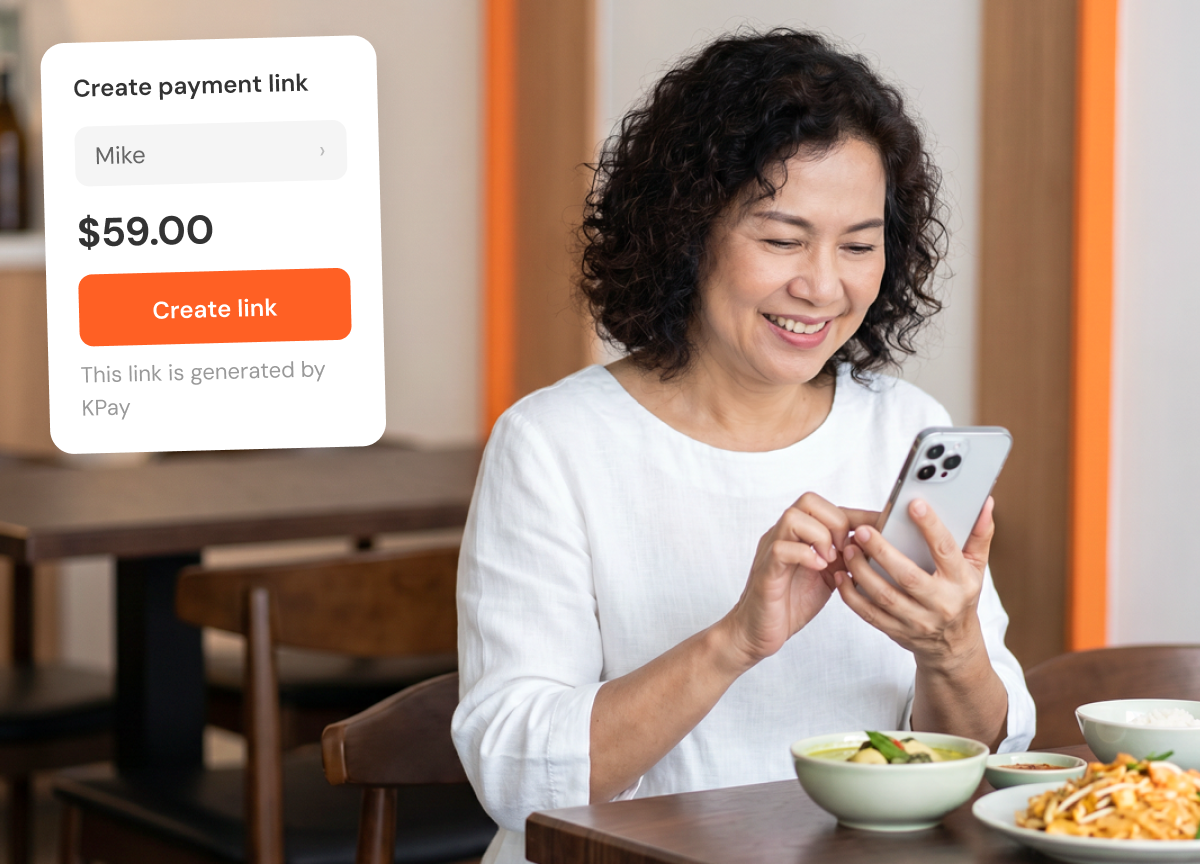
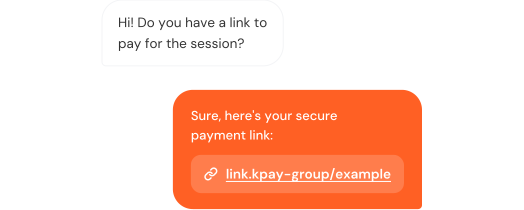
Send a payment link over WhatsApp, SMS, or Instagram or even generate QR codes and close the sale on the spot.
Customers can click the link and pay with their digital wallet – no physical card needed.
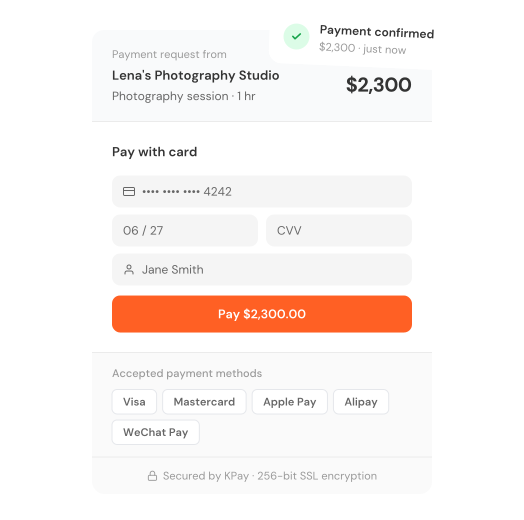
Collect payments from international customers easily.
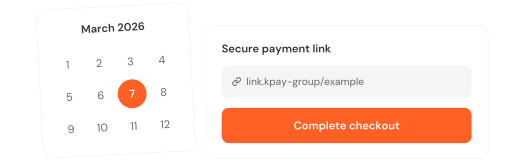
Set a custom expiry date on each payment link so customers can pay at their convenience.
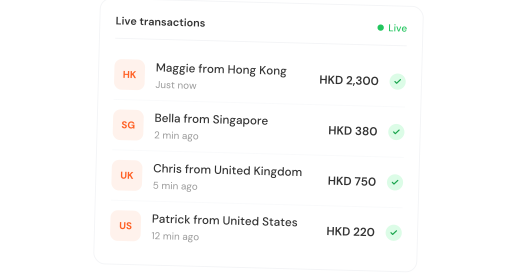
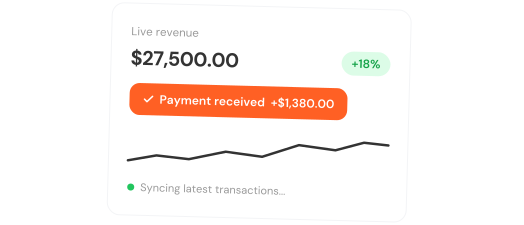
See every payment as it comes in. Track, manage, and verify transactions from one dashboard.
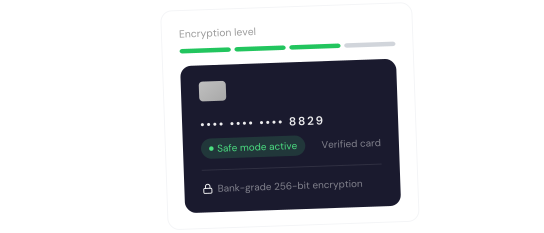
Send payment links that look credible and professional so customers never hesitate to pay.
Yes. Payment Links are plain URLs, so you can share them via WhatsApp, SMS, email, or any platform your customers already use — no special integration needed.
No. Customers simply click the link and pay using their preferred method. No account, app, or registration is required on their end.
Yes. You can generate up to 500 Payment Links at once by uploading an Excel file directly to the KPay Dashboard, which is useful for invoicing multiple customers at the same time.
Your KPay Dashboard shows the real-time status of every link, whether it's created, paid, expired, or refunded, so you always have a clear view of where each payment stands.