Key takeaways
- Know how each mobile payment method works: Deciding on a mobile payment method for your business depends on several factors - the crowd turnover rate, facilities like Wi-Fi or power sources, and how easily you can track and reconcile your daily earnings.
- Consider your customer profile: Your customers' payment preferences are a great data source to help you decide which payment method to adopt. Catering to their needs directly reduces the chances of losing a sale to a mismatched checkout experience.
- Choose the payment features for your business needs: Each payment type comes with a unique suite of features for different business needs. Whether you need a fast settlement period or a broad wallet integration, it is good practice to assess your business needs, review each product's features, and pick a payment method that suits your business model best.
The event decor is put up, and all your event inventory is in order. The pop-up booth is ready for the event day, but there's just one more thing left - setting up your payment system.
Amid the flurry of customers coming and going, you'll want a payment tool that can keep pace. An old-school cash box may not be the best fit — the administrative burden of cash-only transactions can get in the way of your business flow on event day.
For business owners setting up booths at pop-up events or exhibitions, learning what mobile payments are is a good way to kickstart your shift to quicker, more convenient payment acceptance. Read on to find out which mobile payment method is the best fit for your business in Hong Kong — whether it's a static QR code or tap-to-pay.
What is mobile payment?
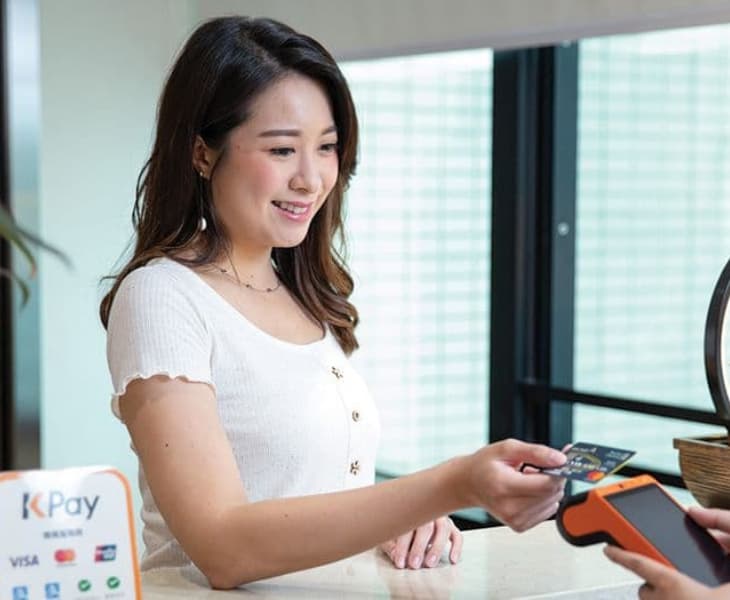
Mobile payment acceptance refers to a transaction made with a smart device, such as a smartphone, smartwatch, or tablet. Customers are able to pay for their purchases or send money to sellers digitally, whether they pay by scanning a QR code or by tapping their phone on a card terminal.
Types of mobile payment methods
Depending on your business size, needs, and customer payment preferences, there are several different mobile payment methods that businesses can accept.
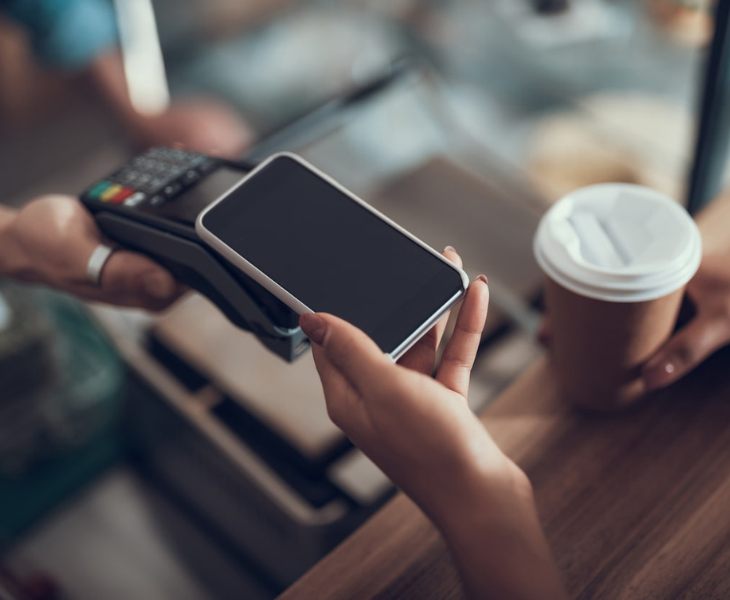
- Digital wallets: Also known as mobile wallets, digital wallets enable customers to store their payment card information on their smartphones and use the NFC function to complete the transaction by tapping their smartphone or smartwatch on the payment device.
- QR code payments: The customer scans a QR code that's either printed out by the business owner and positioned at the pop-up booth, or one that's dynamically generated by a payment terminal.
- Bank transfer apps: The customer directly transfers money from their bank account to your merchant account. They access the in-app payment page on their mobile banking application and enter the payment details and amount, which the business owner manually verifies. This is a common option for mom-and-pop stalls or informal transactions where a card terminal isn't available.
How does each type of mobile payment work?
Depending on the type of mobile payments you choose to accept, the business owner typically needs a merchant account to receive the settled funds, a QR code linked to the payment page, or a device to accept contactless payments, which typically needs a Wi-Fi or mobile data connection.
Digital wallet payments
- The merchant enters the payment amount into the NFC-enabled payment device, prompting the customer to tap their smart device against it.
- The customer taps their smart device (phone or smartwatch) against the payment terminal, authenticating the payment via near-field communication (NFC), often with biometric or passcode verification.
- A unique payment token (created during wallet setup) is exchanged and processed, ensuring the customer's actual card details are never exposed during the transaction. This process is called tokenisation.
- This token is sent to the payment provider for authorisation via a process called detokenisation, which maps the token back to the customer's real card details to approve the payment.
- The payment terminal processes the transaction and displays a "Success" screen once approved.
QR Code payments
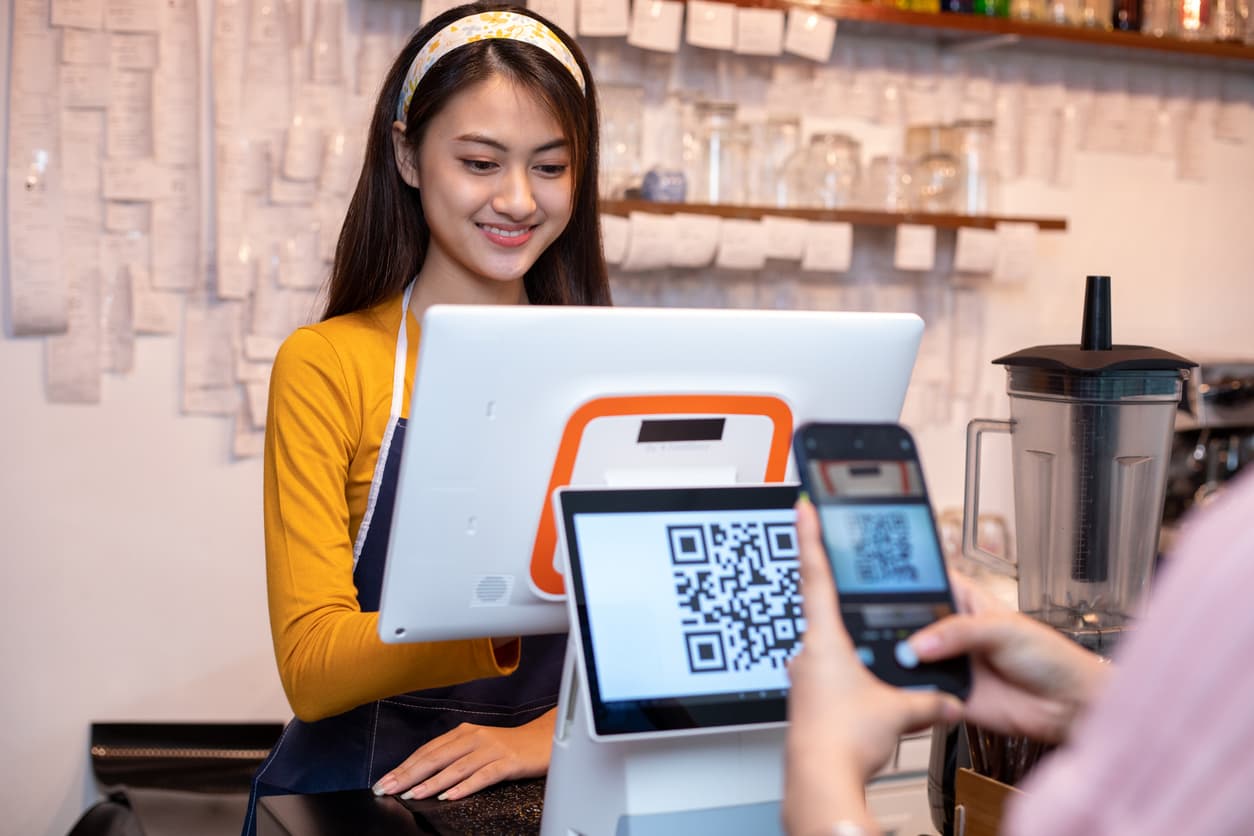
- The customer scans the merchant's QR code using their mobile payment app.
- The payment page appears, prompting the customer to either enter the payment amount or confirm a pre-filled amount. The transaction is authenticated via biometric or passcode verification within the app.
- Upon confirmation, the app sends an encrypted payment request to the payment provider for authorisation, without exposing the customer's actual card or bank account details.
- The payment provider verifies and approves the transaction, notifying both the merchant and customer of the outcome.
- The merchant confirms payment either through their merchant account app or via a "Success" screen displayed on the payment terminal.
Bank Transfer
- The customer opens their mobile banking app and enters the business owner's payment details (e.g., bank account number, phone number, or FPS ID).
- The customer submits the payment, which is transferred instantly via Hong Kong's Faster Payment System (FPS).
- The business owner manually checks their bank account or merchant app to confirm the funds have arrived, since there's no automatic terminal confirmation or "Success" screen to validate the transaction.
What can mobile payment methods do for your pop-up, event or exhibition business?
At a pop-up or exhibition, every customer interaction happens in a short, high-pressure window. For every hiccup in your checkout process, you risk losing the sale to a competitor's booth just steps away.
Reduce the logistical burden of cash-only payments
While cash payments have their own set of benefits - no transaction fees, instant liquidity and no dependency on additional infrastructure such as Wi-Fi, cash payments bring their own set of challenges, particularly at fast-paced events like pop-ups and exhibitions.
Your checkout speed is compromised as you spend more time counting the cash, looking for change and checking if the correct amounts are paid. Then there comes the question of security: cash can be easily stolen, lost, or miscounted, while you're busy managing the steady stream of customers at your booth.
For business owners like yourself, opting to accept mobile payments can take a load off your shoulders when it comes to planning for hectic events like pop-ups or exhibitions.
Accommodate your customers' payment preferences
Digital wallets now account for 41% of e-commerce and 45% of point-of-sale payments in Hong Kong, overtaking credit card usage for the first time. More now than ever, Hong Kong businesses face growing pressure to offer more payment methods that accommodate customers' preferences.
Besides sparing your customers the hassle of cash-only payments, adopting mobile payments in Hong Kong equips your business with an arsenal of different digital wallet integrations. These days, it is common for mobile payment methods to support multiple wallets on a single device. From Apple Pay to Alipay HK, you're able to accommodate a wider range of payment preferences without the complexity of integrating each wallet separately.
Reduce checkout times and secure sales immediately
With mobile payments, all your customers need to do is either tap and go or scan the QR payment code to enter the payment details and submit the payment. You eliminate the slowness of cash payments and reduce the number of steps required for your customer when they do a bank transfer.
In doing so, you clear your checkout lines faster and keep the momentum going during your event's busiest hours, when every second counts.
How to decide on a mobile payment method for your business needs
With several mobile payment options available — digital wallets, QR codes, and bank transfers — choosing the right one for your business isn't a one-size-fits-all decision. The best fit depends on your specific setup: the type of event or venue you're operating in, your customers' typical payment habits, and how much infrastructure you're able to support on the day. Weighing these factors will help you avoid a mismatched checkout experience that slows down your sales or frustrates your customers.
Transaction speed requirements
Business owners running pop-up booths at events or exhibitions with high traffic may require quicker checkout processes with as few intermediate steps as possible. Actions like scanning a QR code, or logging into a mobile banking app can add up when every second counts.
Businesses that expect high customer volume within a venue with high customer traffic may benefit from mobile payment methods like a portable payment terminal or Tap to Pay. Those with lower customer turnover may be able to manage with payment methods like QR codes, as the rush for checkout completion is not as intense.
Infrastructure and connectivity
Before you decide on a mobile payment method, it will be helpful to compare payment providers and study their features and system requirements. Some payment methods may require a stable Wi-Fi connection in order to process payments, while others come equipped with offline modes that can accept payments while disconnected from the internet.
You may also want to consider the venue's amenities - whether there is a stable Wi-Fi connection, or power plugs in case you need the payment device to be connected to a constant power source to work.
Reconciliation speed
Some methods offer instant confirmation and settlement, while others may require manual verification, which affects how quickly you can track your earnings. For example, payment devices linked to merchant accounts can offer instant reports and allow you to track any payment discrepancies. On the other hand, payment methods like bank transfers require you to constantly log in to your bank account to validate whether the funds have been received.
Settlement periods
For business owners running exhibitions or pop-up booths, ensuring a timely cash flow is important after investing capital in preparation for the event. Fast and reliable settlement periods can help you recover costs and reinvest your profit so you can scale your business faster.

Run your business more efficiently with KPay
Whether you're running a single pop-up booth or managing multiple event locations, KPay's payment solutions keep your checkout process simple, fast, and fully accounted for. Discover our range of mobile payment solutions that keep pace with your business, no matter how busy the day gets.
Tap to Pay
Tap to Pay keeps your checkout lines moving faster with a simple setup on your KPay Merchant App, so you can start accepting mobile payments right away.
- No downtime or productivity challenge: Upon activating your KPay Merchant account, you may enable the Tap to Pay feature on your mobile phone without any waiting period. Once you activate Tap to Pay, your smartphone serves as a payment terminal that can accept contactless payments.
- Improved checkout efficiency: Clear your queues faster with Tap to Pay, which allows staff to roam the space and accept payments where your customers are, instead of funnelling everyone to one checkout point.
- Secure and trusted payments: All mobile payments accepted with Tap to Pay are compliant with local banking and financial regulations, ensuring every transaction is processed securely and in line with Hong Kong's payment industry standards.
KPay Terminal Pro
KPay Terminal Pro gives merchants peace of mind with its suite of business-friendly features and clean, easy-to-use interface.
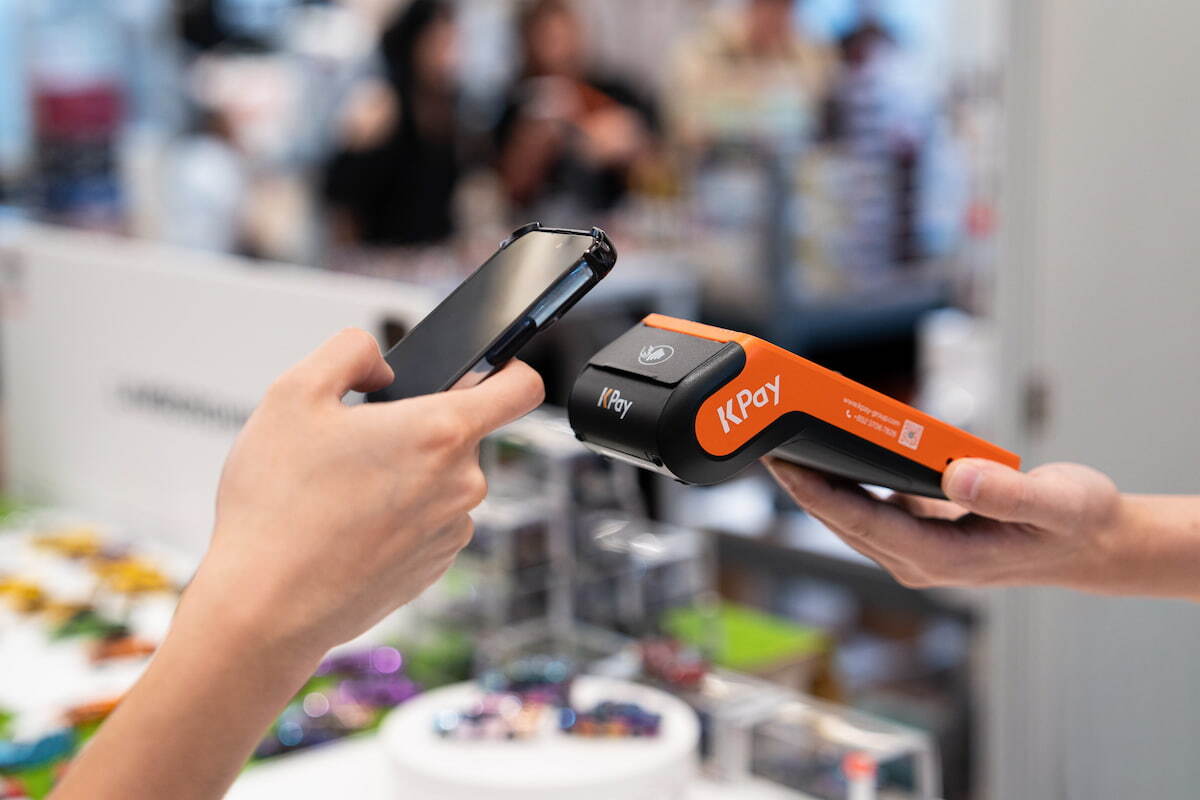
- 20+ major payment methods accepted: Accommodate your customers' payment preferences with our extensive range of integrated digital wallets, including popular mobile payment methods in Hong Kong like Apple Pay, Alipay HK, and Octopus.
- Offline mode: Due to large crowds and temporary event infrastructure, external dependencies such as Wi-Fi or data connections may be unstable, causing regular payment terminals to lose functionality. KPay Terminal Pro's Offline Mode feature allows businesses to continue with operations as usual, ensuring you don't lose out on profits.
- Everyday Settlement: When you activate your KPay Business Account, you can opt in for Everyday Settlement - today's transactions are settled the next calendar day, even during holidays.
Static QR Code
Setup is easy and minimal with Static QR Code. Your customers experience smoother checkout and local digital wallet integration, and you enjoy immediate transaction verification.
- Real-time payment alerts: Upon successful payment, your mobile device provides instant voice and app notifications upon successful payment. Shave seconds off your payment verification process and clear your checkout lines quickly.
- Universal QR scan & multi-payment integration: KPay's Static QR Code supports QR scanning with any app or camera. We eliminate the extra steps of opening a dedicated payment app, and take your customer straight to the payment page for checkout.
- Cost-effective & maintenance-free: Setting up a Static QR Code is a low-cost, maintenance-free mobile payment method ideal for local Hong Kong businesses whose customers primarily rely on local digital wallets.
Secure more customers with KPay's mobile payment solutions
At a pop-up booth or exhibition, every second at checkout counts. Whether you need broad wallet coverage or low-cost and simple setup, KPay's mobile payment solutions help you check out faster, settle funds sooner, and keep your business running smoothly.


.jpg)