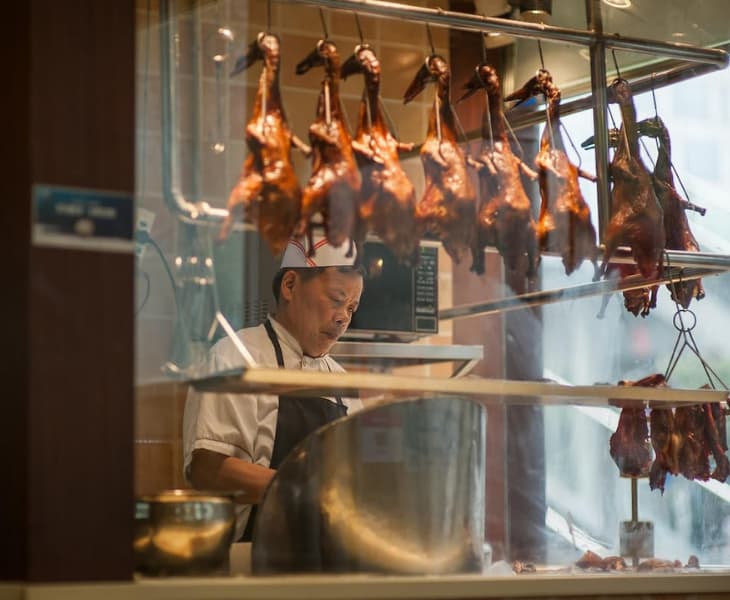
Hong Kong's F&B landscape often faces two major challenges: high operational costs and a tightening labour market. For restaurant owners, this means that a meal ordering system becomes even more important as it becomes the backbone of a profitable business. Transitioning to digital is the most effective way to protect your margins and improve customer satisfaction.
Why do restaurants need a meal ordering system?
Digital systems help to transform the dining experience by reducing human error and ensuring smoother, quicker service. Kitchen staff are less likely to misunderstand the handwriting on a notepad used to take down orders with digital systems, and both the ordering and payment process can also be sped up with various features that these digital systems offer.
In Hong Kong, the benefits are even more specific:
- Solving the manpower crunch: With F&B wages rising and fewer young workers entering the industry, a meal ordering system allows one server to manage twice as many tables by removing the "order-taking" bottleneck.
- Boosting average order value (AOV): Digital menus don't forget to upsell. By using high-quality visuals and automated prompts such as "Would you like to add a drink for HK$20?", restaurants often see a meaningful increase in spend per head.
- Instant cash flow: Modern systems integrate directly with FPS and popular e-wallets, ensuring funds reach your account faster than traditional bank cycles.
Key features to look for in a meal ordering system
When evaluating a meal ordering system for your restaurant, ensure it meets these requirements:
1. Hybrid QR and kiosk capabilities
Modern diners value flexibility. Consider offering Scan to Order (QR code) for dine-in guests and self-order kiosks for quick-service queues. While some businesses may prefer customers to adopt their app, having a seamless web-app experience where no app download is required is often critical for high adoption rates.
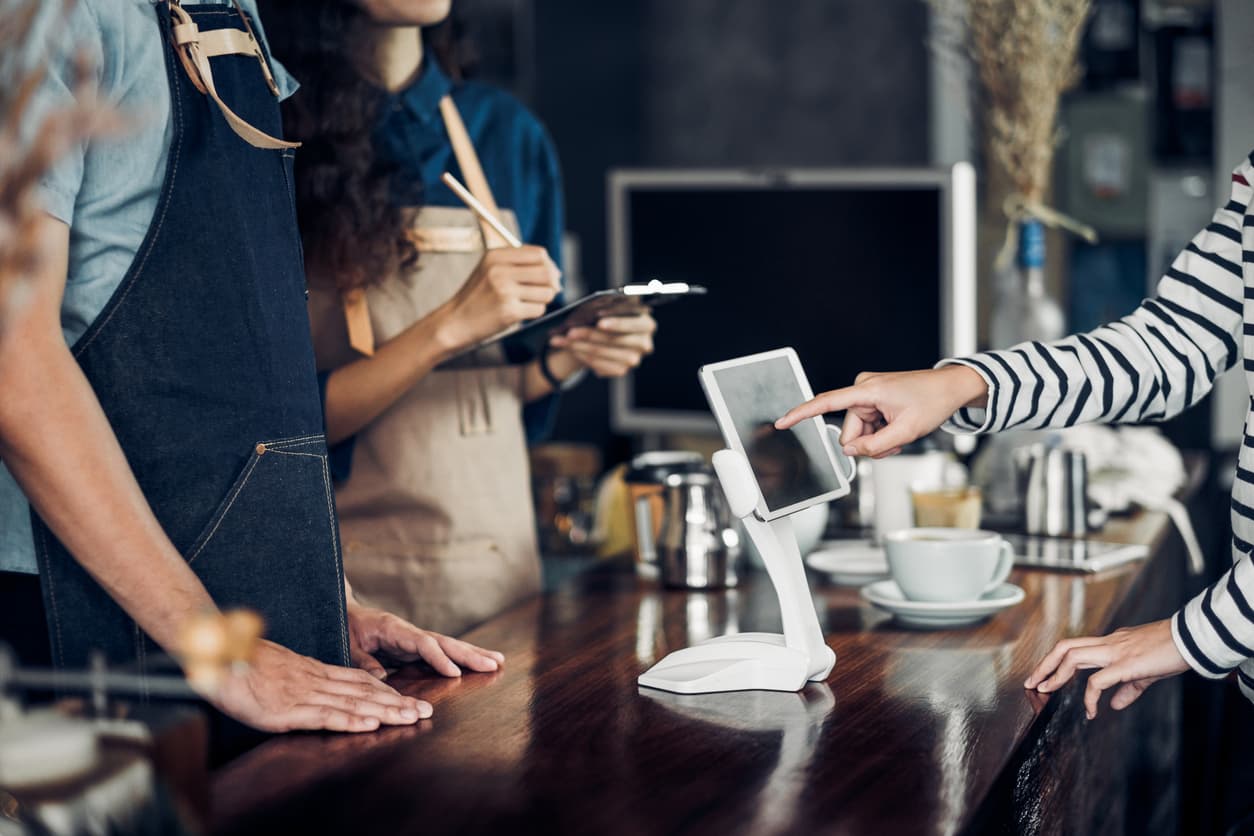
Scan to Order
A Scan to Order system is a contactless digital solution that allows customers to view a menu, place orders, and pay for their items by scanning a QR code. This is where food photography matters as having crisp, professional photos of your dishes can help to increase customers' interest in specific dishes when placing their orders.
Additionally, most Scan to Order systems offer various payment setups, including pay-before-order and pay-after-dining. A pay-before-order setup is common in fast-casual cafes, where the customer must pay before the order is sent to the kitchen. On the other hand, a pay-after-dine setup is more common in full-service restaurants, where the customer orders throughout the meal and brings the QR code to the payment counter when they are ready to make payment and leave.
How the process works
The system typically follows a four-step loop:
- Scanning: A customer scans a unique QR code located on a table in a restaurant.
- Browsing: The phone's browser opens a digital menu. This is usually a "web app," meaning the customer doesn't need to download anything from an app store.
- Ordering: The customer selects their items, adds modifiers, like "extra cheese" or "no onions", and hits submit. This order is instantly sent to the kitchen or the staff's tablet.
- Payment: Depending on the setup, the customer can pay immediately via the phone using Apple Pay, Google Pay, or FPS, or at the end of the meal.
Key components
To function effectively, a Scan to Order system requires three main technical layers:
- Customer interface: The mobile-optimised digital menu.
- Merchant interface: A POS (Point of Sale) system or a Kitchen Display System (KDS) where staff receive and manage incoming orders.
- Payment gateway: The secure backend that processes transactions between the customer's wallet and the merchant's bank account.
Why businesses use it
In Hong Kong, Scan to Order is increasingly becoming a necessity due to several strategic advantages:
- Solving the labour shortage: It allows a lean crew to manage a large floor because staff no longer spend time walking back and forth to take orders or deliver physical bills.
- Increased revenue (AOV): Digital menus are often set up to suggest add-ons for customers. While a waiter might forget to ask if you want fries, a digital system is programmed to prompt every customer with an upsell, often increasing the AOV.
- Order accuracy: Because the customer selects the items themselves, there is a significant reduction in "wrong order" disputes caused by miscommunication between staff and the kitchen.
- Dynamic updates: Unlike paper menus that cost money to reprint, digital menus can be updated in seconds to reflect out-of-stock items or Happy Hour price changes.
KPay's Scan to Order can help to address these needs:
- Scan to order and use KPay for instant online or offline payments.
- Supports multiple consumption models with pay-before dine-in, pay-after dine-in, and takeaway.
- Update menus, time slots, pricing, and availability instantly.
- Utilise flexible static and dynamic QR codes to improve efficiency and security.
- Access sales statistics to understand business performance and make data-driven decisions.
Self-order kiosks
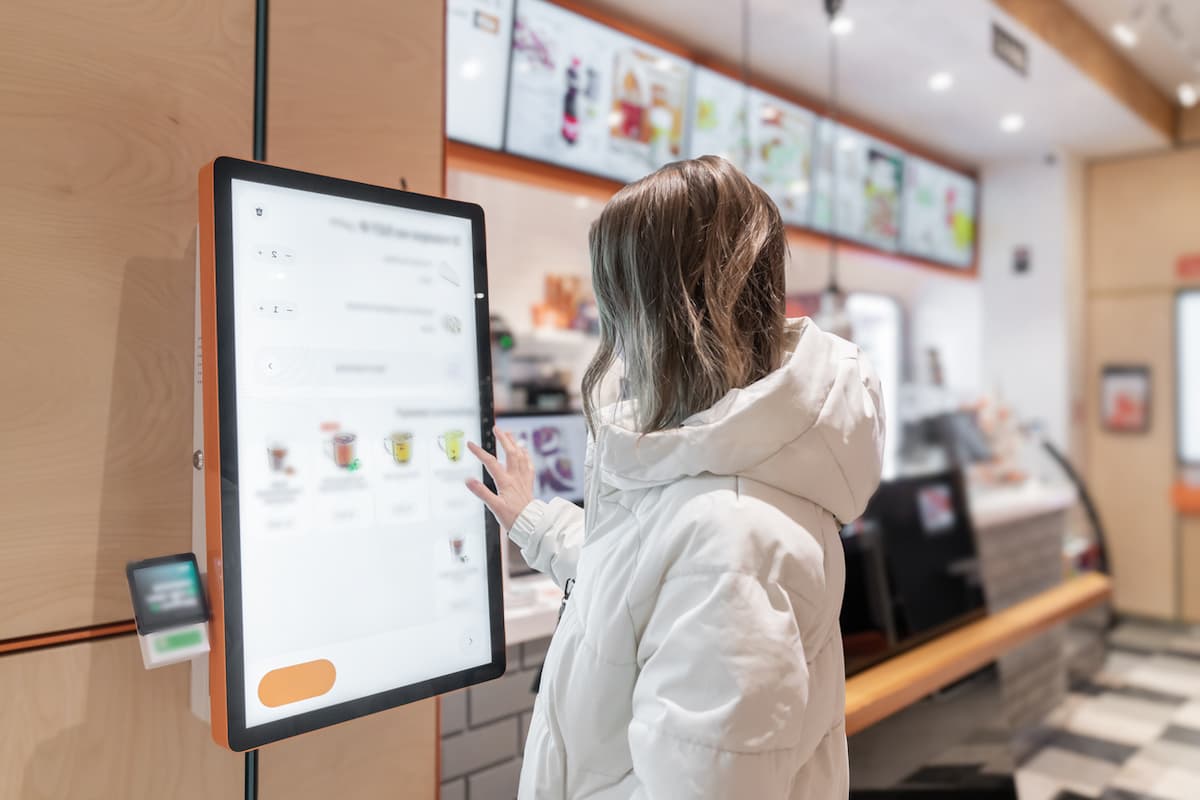
Self-order kiosks are standalone, interactive touch-screen devices that allow customers to browse a menu, place orders, and make payments independently. While most commonly seen in fast-food chains, they are becoming increasingly popular for quick-service restaurants across Hong Kong.
How self-order kiosks work
The kiosk acts as a digital interface between the customer and the business's backend operations. Through the kiosk, the customer navigates through categories and items. The system provides clear options for modifications such as upsizing a beverage, which ensures the customer gets exactly what they want.
When it comes to payment, most kiosks also consist of integrated card readers and QR scanners that allow instant checkout via credit cards, mobile wallets, or local payment methods.
Once payment has been made, the kiosk prints a receipt with an order number and simultaneously sends the order to the Kitchen Display System (KDS) or a staff tablet.
Strategic benefits for businesses
Implementing kiosks offers various strategic benefits:
- Queue management: Kiosks act as extra "cashiers" during peak hours, reducing wait times and preventing customers from leaving due to long queues.
- Labour efficiency: Staff can be moved from behind the counter to the front of house to focus on food quality and customer service, or to the kitchen to handle the increased volume of orders.
- Language and accessibility: Most kiosks offer multilingual interfaces, which is an important feature in Hong Kong, where restaurants regularly serve Cantonese, English, and Mandarin-speaking customers as well as mainland and international tourists.
2. Unified payment integration
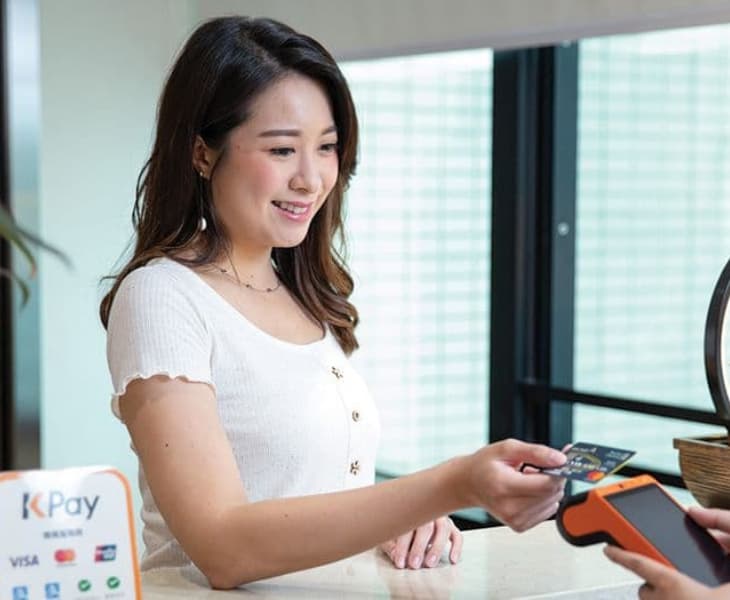
As Hong Kong moves towards a cash-lite society and with the emergence of multiple digital payment methods, customers now expect businesses to accept their payment method of choice. Merchants should ensure their selected payment device supports:
- FPS: For instant bank transfers.
- Local wallets: PayMe, AlipayHK, WeChat Pay HK, Octopus, and Tap & Go.
- International wallets: Alipay and WeChat Pay to capture mainland visitor and tourist spending.
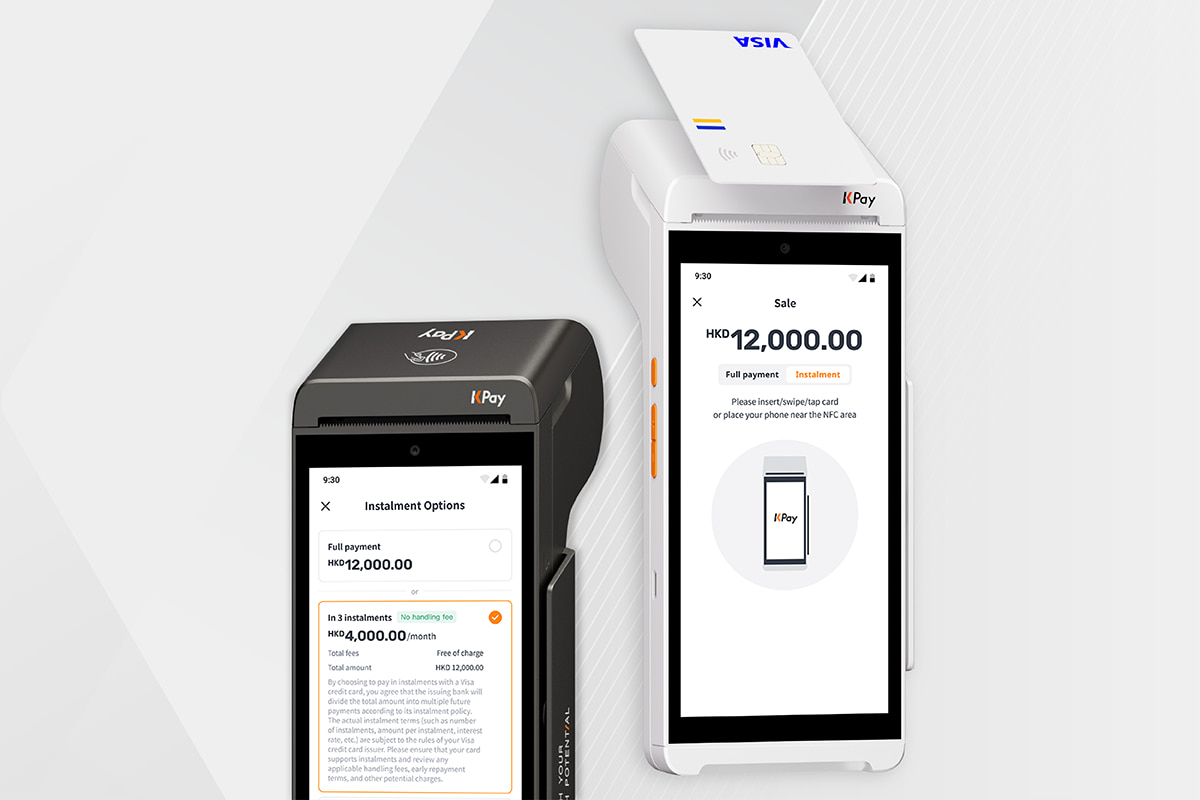
KPay Terminal Pro offers various features to help your business succeed:
- Accepts 20 major payment methods seamlessly on one portable device.
- No subscription fees, annual fees or terminal rental fees.
- 24/7, 365-day customer support to ensure merchants get up and running quickly should any issues occur.
With KPay Terminal Pro, you can reduce counter clutter, accept multiple payment methods, and have peace of mind when it comes to settlement, letting you focus on other important aspects of the business.
3. Kitchen Display System (KDS) integration
A digital order is only as fast as your kitchen. Ensure your ordering system syncs in real-time with a KDS to eliminate paper tickets and reduce miscommunication.
A KDS is a digital menu board for your kitchen staff that replaces traditional paper tickets and printers. When an order is placed, whether via a server's handheld device, a self-order kiosk, or an online delivery platform, it is instantly transmitted to a screen in the kitchen. The system organises these orders into clear, colour-coded tiles that display the dish name, special modifications, and a live timer. This ensures that chefs have a real-time, centralised view of the workload, reducing the risk of lost orders or misread handwriting.
Beyond just displaying orders, a KDS automatically routes specific items to the correct preparation stations. For example, sending steaks to the grill station and salads to the pantry. Advanced systems can also manage meal pacing, holding back items with short cook times so that every dish for a single table is ready at the same moment. For managers, the KDS provides invaluable data, tracking the average time it takes for a dish to be prepared, which allows for precise performance monitoring and more efficient staffing during peak hours.
Bring it all together with KPay POS
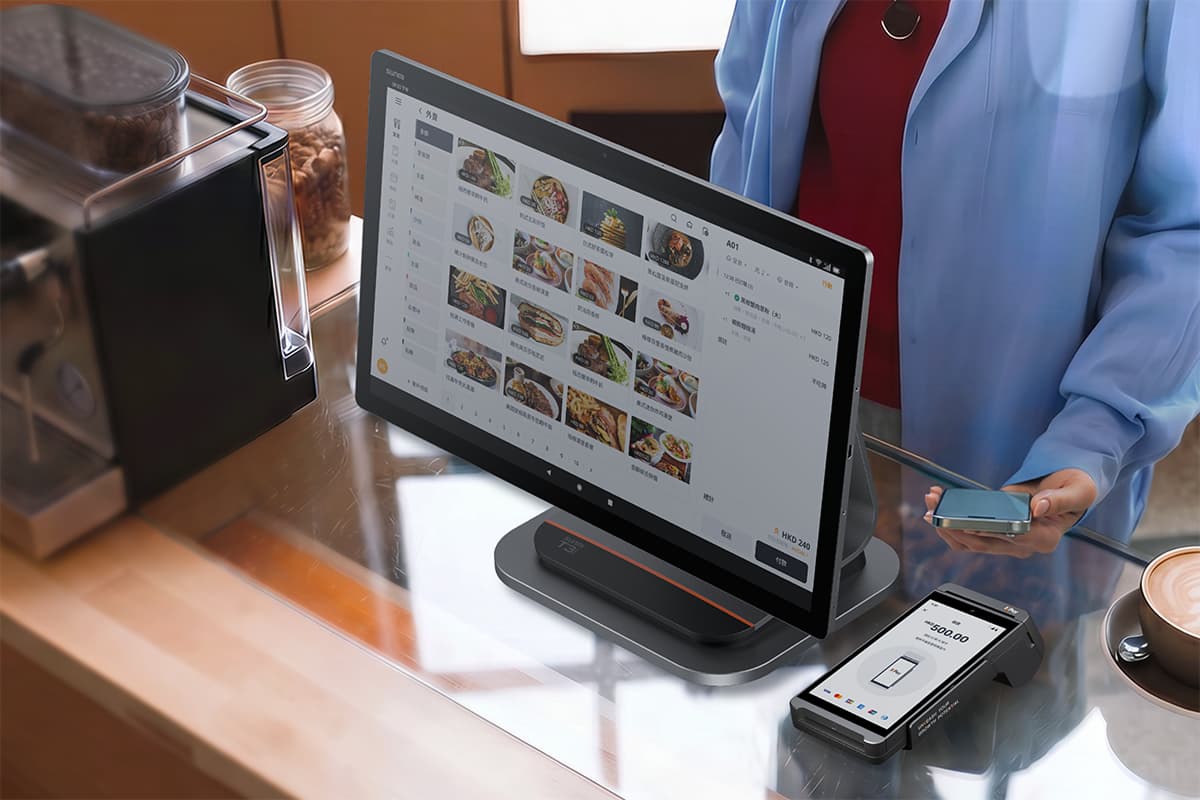
Managing orders, payments, and menu updates across separate systems creates unnecessary friction, and the reconciliation headaches that come with it. KPay POS consolidates order-taking and payment processing into one unified system, giving your floor staff a single interface to work from.
KPay POS offers various features to help you run your business efficiently:
- From first order to final close-out — one system, zero gaps: Taking the order, printing to the kitchen, collecting payment, and closing out at the end of the day are all connected and automatic, so nothing falls through the cracks.
- Built for complex orders, not retrofitted: Drink and food customisation options such as removing specific ingredients, indicating your preference for milk type, sugar level and size are built into the order and priced automatically. What the counter takes is exactly what the kitchen makes.
- Your floor moves as fast as your team does: Transfer, merge, or clear tables with a tap. Every action updates instantly across the system, so front-of-house always knows what's available, occupied, and ready to seat.
- Every order accounted for, at a glance: Each order is tracked live from placement through to completion, so your team always knows what needs attention without chasing the kitchen or digging through receipts.
- Every shift starts clean, every variance caught early: At shift open, staff enter the starting cash and the system automatically cross-checks it against the previous day's closing balance, flagging any discrepancy on the spot. No more end-of-day surprises or manual reconciliation guesswork eating into your close-out time.
With 24/7 support by a professional team that will guide you through the process of selection for a POS system that suits your business needs and ensure seamless setup, you'll be able to ensure that your business workflows are made more efficient so you can focus on helping your business grow.
For restaurants looking to go fully digital, KPay's Scan to Order also works seamlessly as an add-on, letting customers order directly from their phones while all orders flow into the same backend. Whether you're running a full-service restaurant or a fast-casual concept, it keeps your operations connected without the complexity of stitching together multiple providers.
Future-proof your F&B business
Success in Hong Kong's dining scene requires more than just great food; it requires operational intelligence. By implementing a robust meal ordering system, you can optimise your operational efficiency, increase your revenue, and provide a seamless dining experience for your customers.






%20(4).png)



.png)




.jpg)