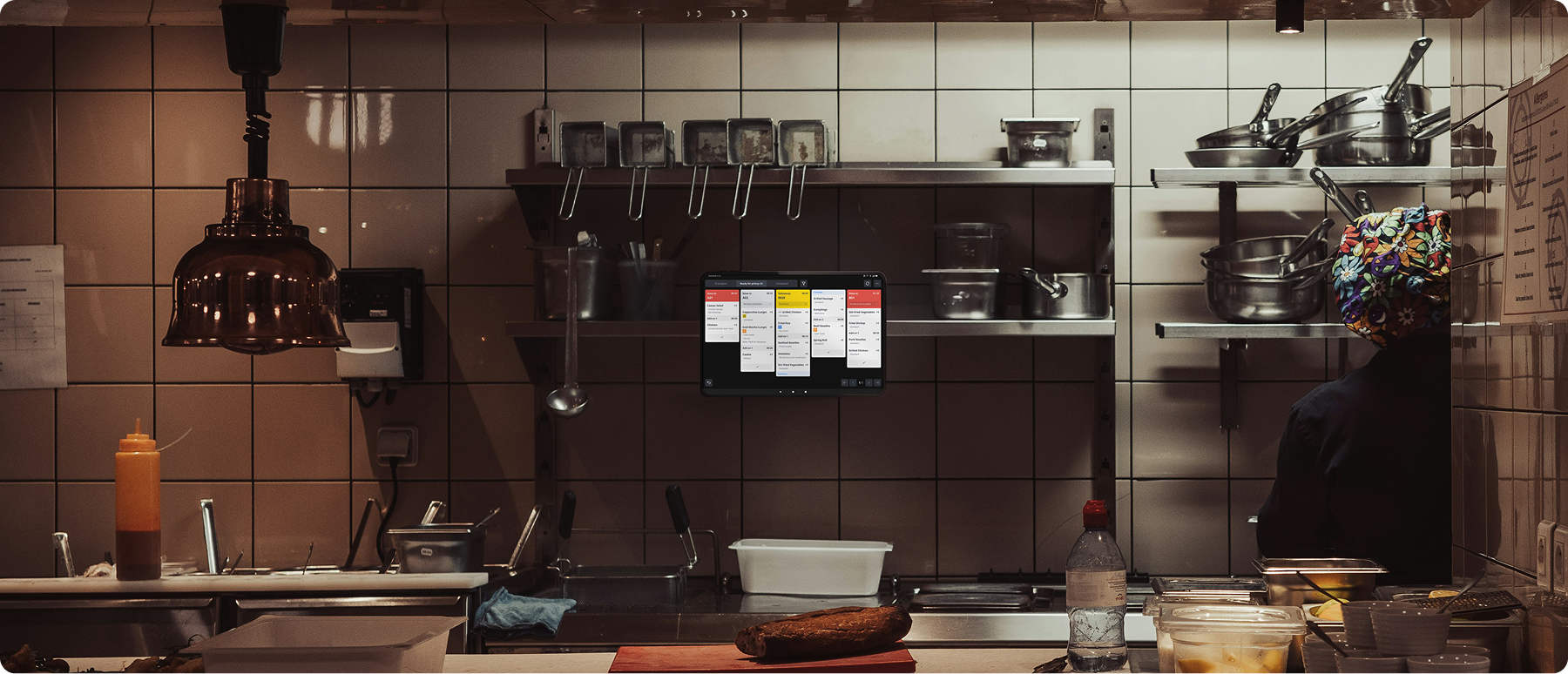

Every order lands on one live screen, from the moment it’s placed to the moment it’s picked up. You’ll see what’s cooking, what’s ready and what needs a nudge.
✓ Rush orders jump the queue
✓ Ready, cooking or still waiting, all at a glance
✓ Know the second an order changes
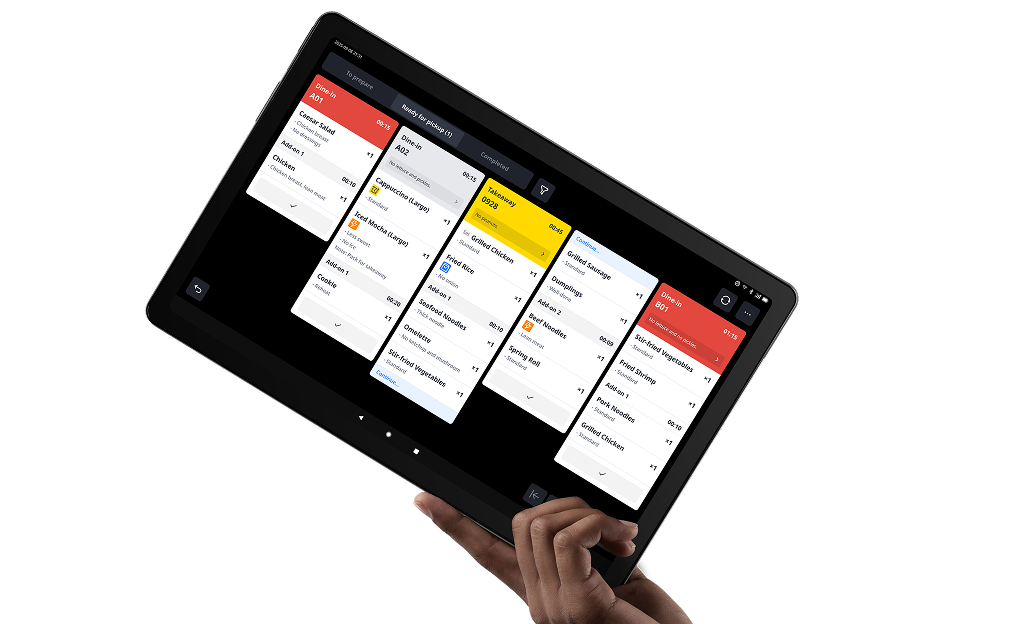
Live timers and alerts help your team identify overdue orders, rush requests and order changes during busy service.
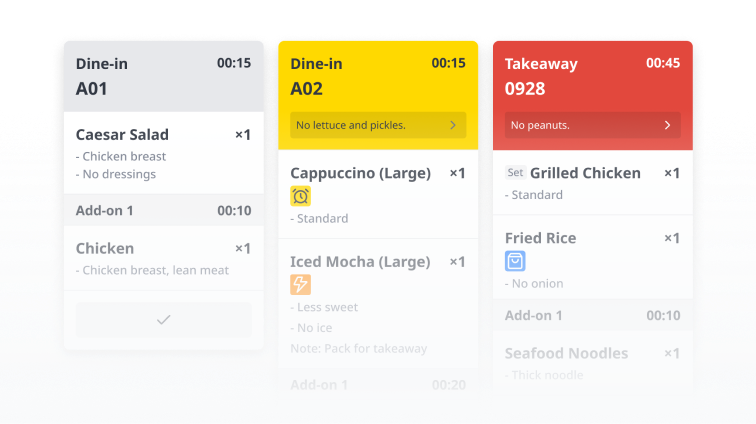
Give kitchen and serving staff dedicated views, with item-level tracking so everyone knows what's ready and what's still outstanding.
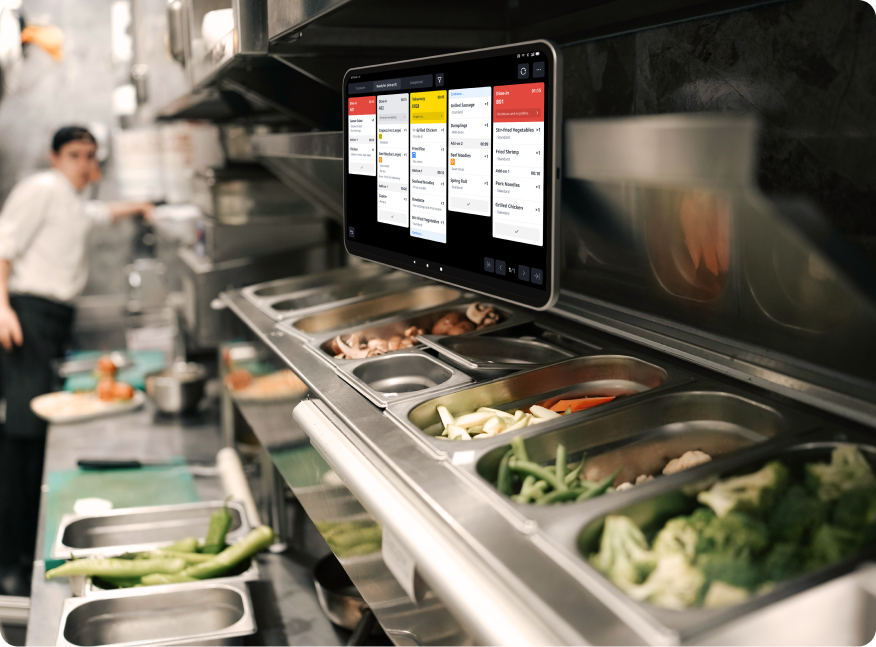

Run KPay KDS on a compatible Android tablet, giving your team a digital view of incoming orders without the need for dedicated KDS hardware.

Add a digital kitchen display without replacing your existing printers or changing your entire workflow.

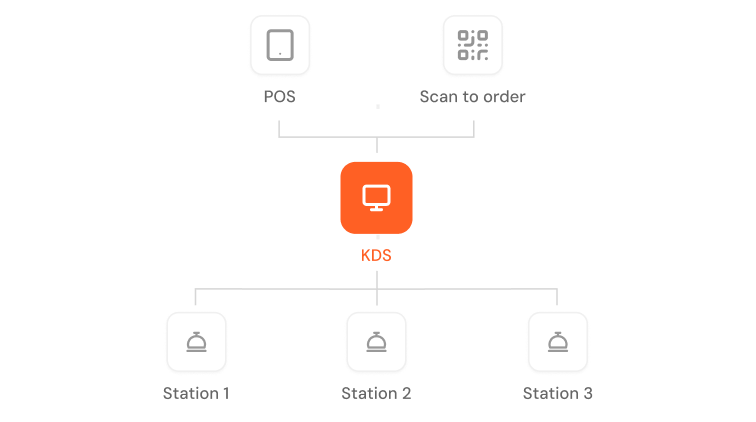
Connect KPay POS and Scan to Order with your kitchen display, bringing ordering and preparation into one connected workflow.
A kitchen display system (KDS) is a screen in your kitchen that shows orders as they come in, replacing or working alongside paper dockets. KPay KDS connects to KPay POS and Scan to Order, so orders go straight to the kitchen, staff can track each dish from prep to pickup, and front of house can see what’s ready without checking.
KPay KDS is available as an add-on to KPay POS with Terminal Pro, starting from $25 per month per kitchen screen. Pricing varies depending on the number of screens your business requires. Contact our team for a tailored quote.
KPay KDS runs on an Android tablet (Android 6.0 or above), so you can use one you already have. If you need a tablet, KPay can supply one as part of your setup.
Yes. If you’re already on KPay POS with Terminal Pro, add KDS through the additional service form, with no new contract needed. If you’re new to KPay, KDS can be added when you sign up for KPay POS and Terminal Pro.