Mobile payment terminal: How luxury service providers can enhance customer experience with Tap to Pay
7 October 2026
4 min read
KPay Editorial Team
Making the complex sides of financial management, business operations and digital transformation simple. We share practical tips and local stories to help you run your business smarter and grow faster.
Key takeaways
Consistency across every service touchpoint enhances customer experience: This includes payment, which is the last part of your customer's experience. Reducing customer frustration is linked to customer loyalty, according to research on service journey quality.
Mobile payment terminals traditionally suit businesses without a fixed point of sale: Merchants under this category typically include mobile service providers, event vendors, personal shoppers, spa therapists and property agents.
The payment method that disappears into your service: Tap to Pay turns a smartphone into a payment terminal, so payment can be collected easily during the appointment rather than as a separate step.
Tap to Pay reduces bulk for businesses without a fixed checkout: No extra hardware is needed for Tap to Pay. It works with a compatible smartphone and a payment app.
Whether you're taking peer-to-peer (P2P) transfers, QR code, or digital payments, the bottom line is simple. Consumer payment preferences are leaning digital, and expanding your payment options is becoming a necessity today. As luxury service providers, it's important that you manage all touchpoints of your service, and ensure that the service provided is as frictionless as possible.
Learn how mobile payment terminals can reduce friction, enhance customer experience, and how you can accept payments on your mobile phone easily.
What is a mobile payment terminal?
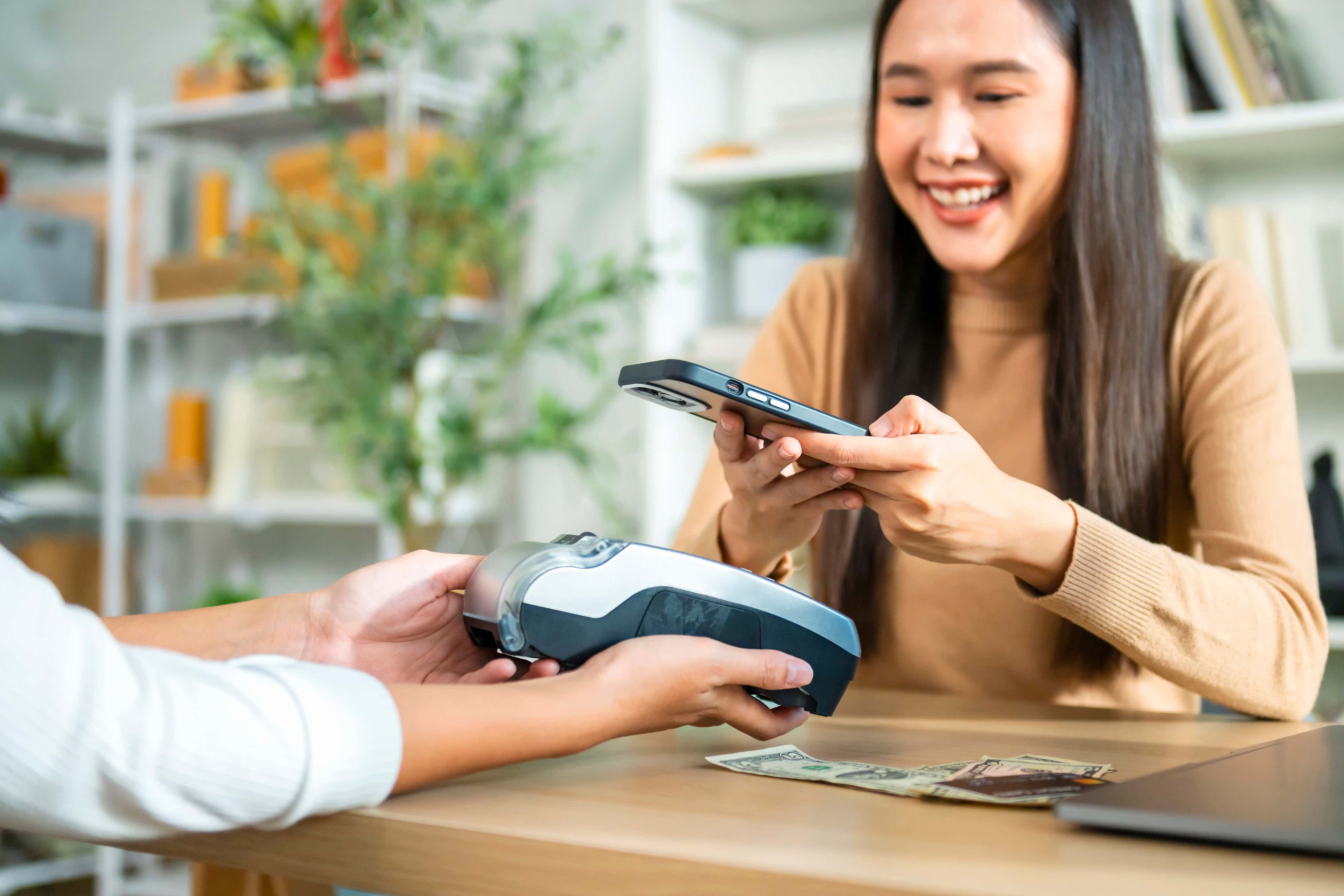
A mobile payment terminal is a portable payment acceptance device that lets a merchant accept payments away from a fixed checkout counter. Most mobile terminals accept contactless payments, such as card, and e-payments, such as Apple Pay and Samsung Pay.
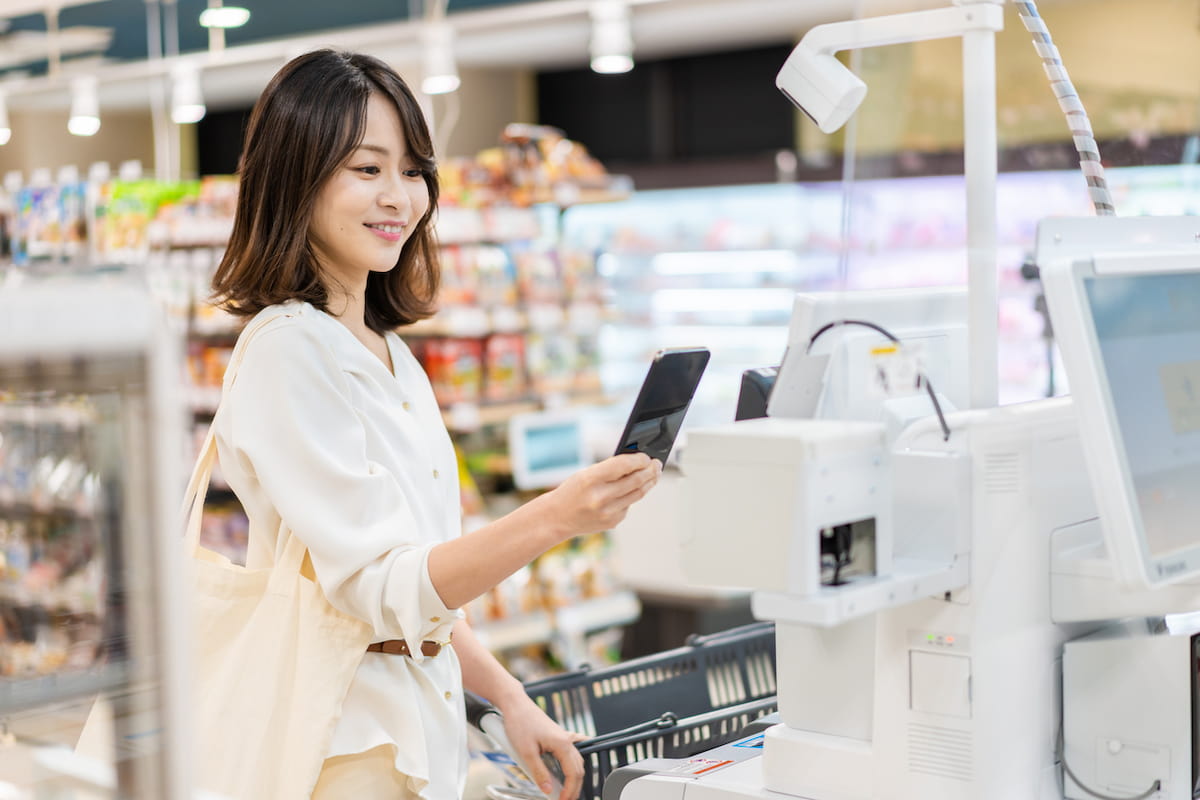
During payment, the customer taps a card or phone near the device instead of inserting or swiping it.
The payment process follows three steps:
Read: The device reads the card or digital wallet.
Authorise: The device sends the transaction details for authorisation, the step where the customer's bank checks whether it can approve the payment.
Confirm: The device shows the merchant and customer whether the payment succeeded.
For luxury service providers, collecting payment via mobile payment terminals is one of the most seamless and efficient payment methods that round off a client's appointment, keeping the final moment as considered as the service itself.
Why it's important for luxury service providers to use mobile payment terminals during the appointment
Luxury or bespoke appointments typically run on close, undivided attention. Research on friction in customer experience shows that interruptions customers did not expect or choose tend to register as frustration, rather than something that adds value to the experience, particularly in settings built around personalised service. Stopping the appointment to retrieve a payment terminal is one such example of unplanned interruption.
Ensuring a consistent customer experience
Beyond the single moment of interruption, payment is one more touchpoint in the client's overall impression of the business. Research on service journey quality defines this as journey coherence: the degree to which service touchpoints provide consistent experience cues, from the service style and manner of delivery to the visual elements of the setting.
The study found that coherence, alongside journey seamlessness and personalisation, had a significant positive relationship with customer loyalty. A payment step that looks and feels different from the rest of the appointment, such as a separate device fetched from another room, breaks that consistency at the last touchpoint the client experiences, and can:
Break the sense of undivided attention: Part of what a client pays for in a premium, one-to-one service feels like the focus of the session. Stepping away to fetch a terminal signals the transaction matters more than the moment, right at the point the client should feel most looked after.
Introduce a visible "back of house" moment: Pulling out separate hardware exposes the mechanics of the business (equipment, setup, fumbling with a machine) in a context the client experiences as personal and curated. It can feel closer to a retail checkout than a bespoke service.
Create an awkward tonal shift: Many high-touch services run on a certain pace and mood: a spa treatment, a styling session, a private viewing. A pause to locate and operate a terminal interrupts that pace and can make the ending feel transactional rather than considered.
Signal under-preparedness: If the provider has to stop mid-service to go get a terminal, it can read as the business not having planned for payment as part of the service flow, which sits oddly next to a premium price point.
Weakens perceived consistency: Clients paying premium prices tend to expect every touchpoint, not just the service itself, to feel considered. A clunky payment step at the end can colour how the whole experience is remembered, even if the service itself was excellent.
Who typically uses a mobile payment terminal?
Mobile payment terminals have traditionally suited businesses that take payments away from a shop counter. Businesses that use mobile payment terminals in their daily operations typically do not have a fixed point of sale. They're usually on-the-go, and collect payment wherever the service happens to take place, whether that's a client's home, at a property viewing or a one-to-one appointment. Four groups use them most often:
Personal shoppers: Personal shoppers spend an appointment pulling clothing items and building a look with a client at a boutique. When the client is ready to buy, the shopper takes payment on the spot rather than walking them to a till, keeping the appointment as one continuous interaction.
Spa therapists: Clients visit a spa to enjoy seamless, attentive service that feels uninterrupted from the moment treatment begins to the moment they leave. The client's satisfaction is at stake at every single touch point, including payment. Collecting payment with a mobile payment terminal, rather than walking the client to reception, keeps that experience intact.
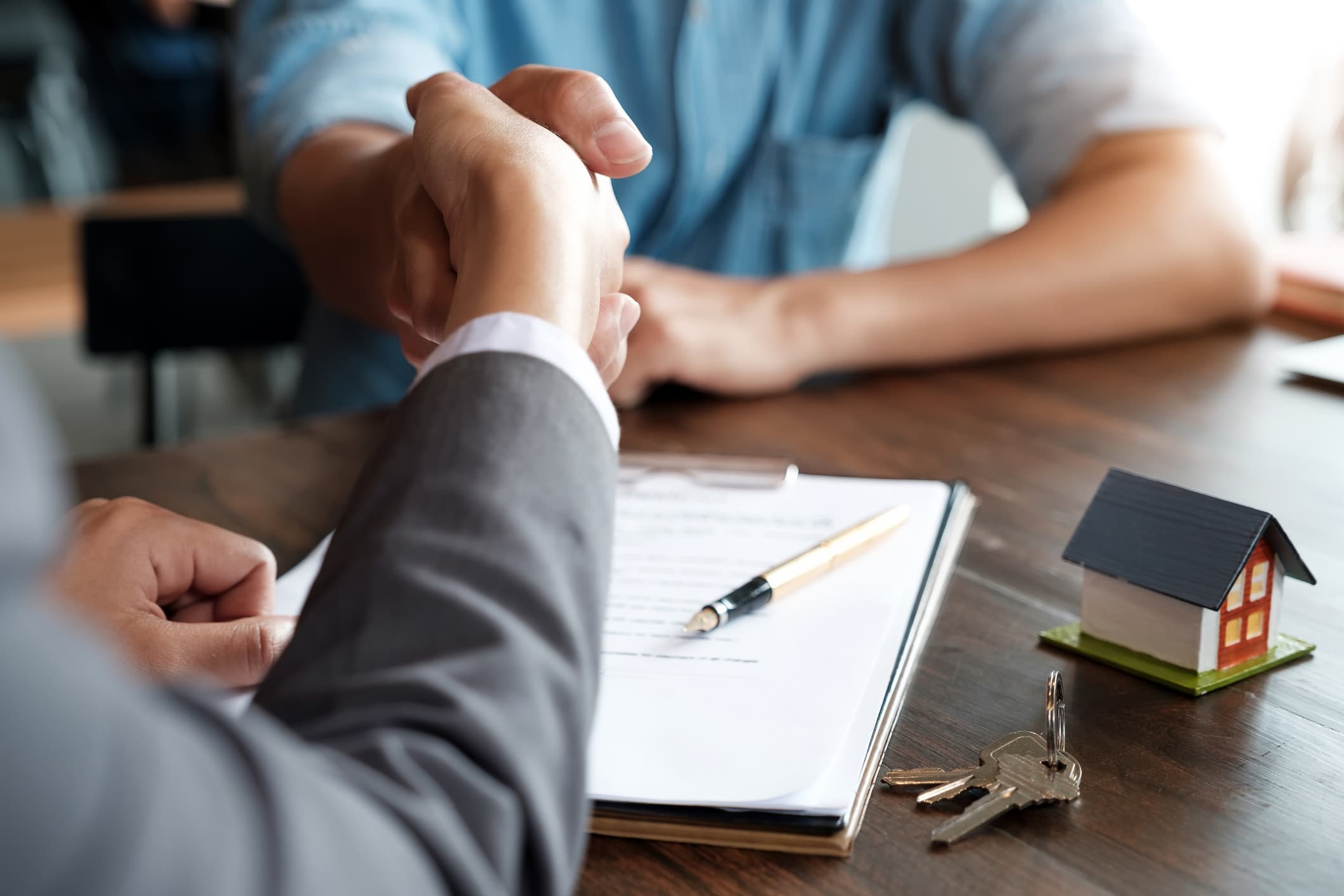
Property professionals: Real estate agents often meet a client at the property itself, rather than an office, to walk them through a viewing. When the client is ready to secure the unit, collecting the holding deposit on the spot with a mobile payment terminal, rather than asking them to wait until they're back at the office, keeps the momentum of the viewing intact and avoids the risk of the client's interest cooling off in the meantime.
These scenarios share a common thread: the moment of payment can either disrupt the client experience or disappear into it. Mobile payment terminals, such as Tap to Pay, turn a provider's own smartphone into a payment terminal. It's a payment solution built to help businesses achieve the second outcome.
How Tap to Pay can help your business enhance customer satiafaction
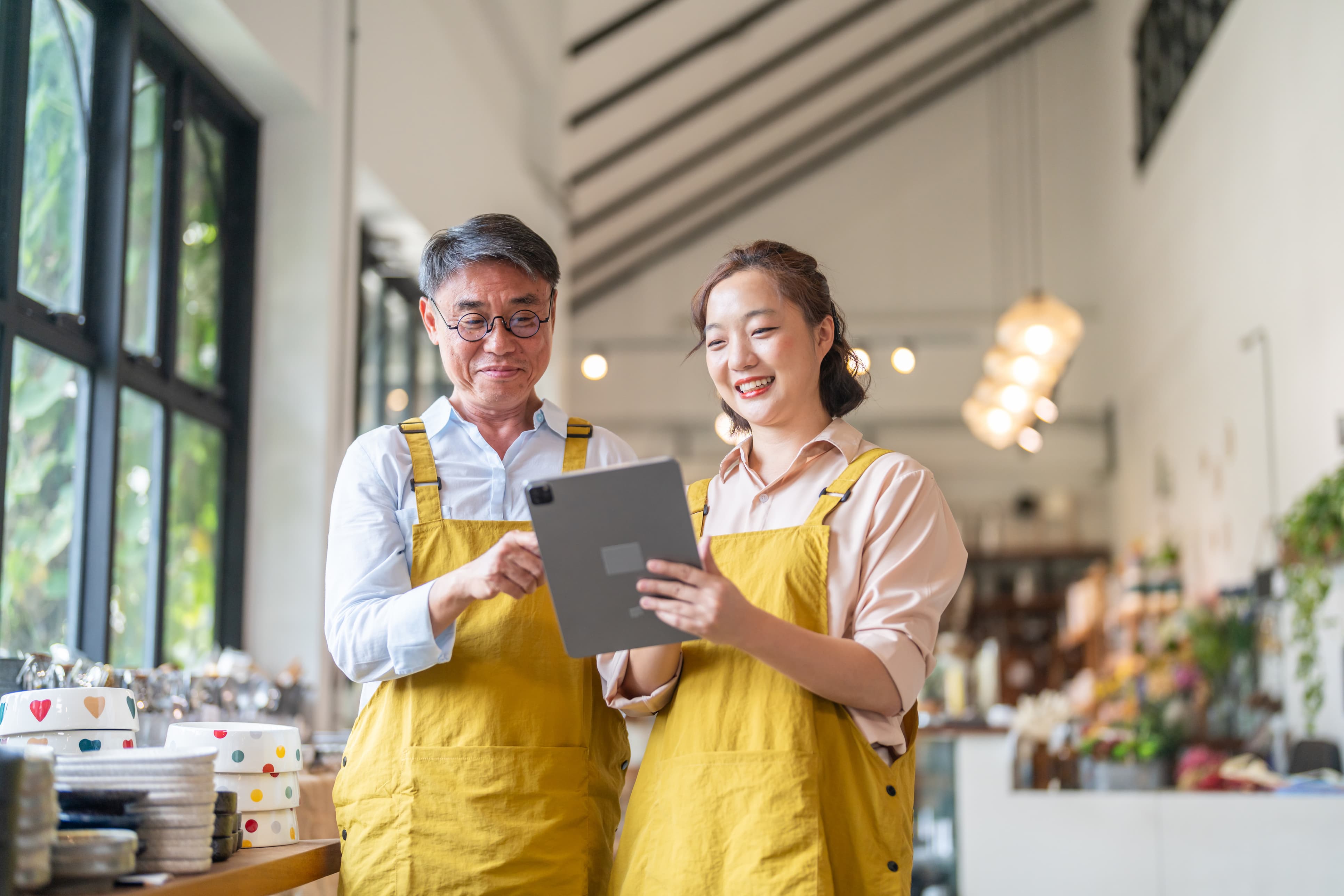
For high-touch service providers, Tap to Pay is designed to work within the flow of the appointment itself, so that collecting payment never means stepping away from the client. This makes it suitable for both small businesses seeking a simple way to accept payments, and larger merchants looking to improve efficiency during peak periods or across multiple touchpoints.
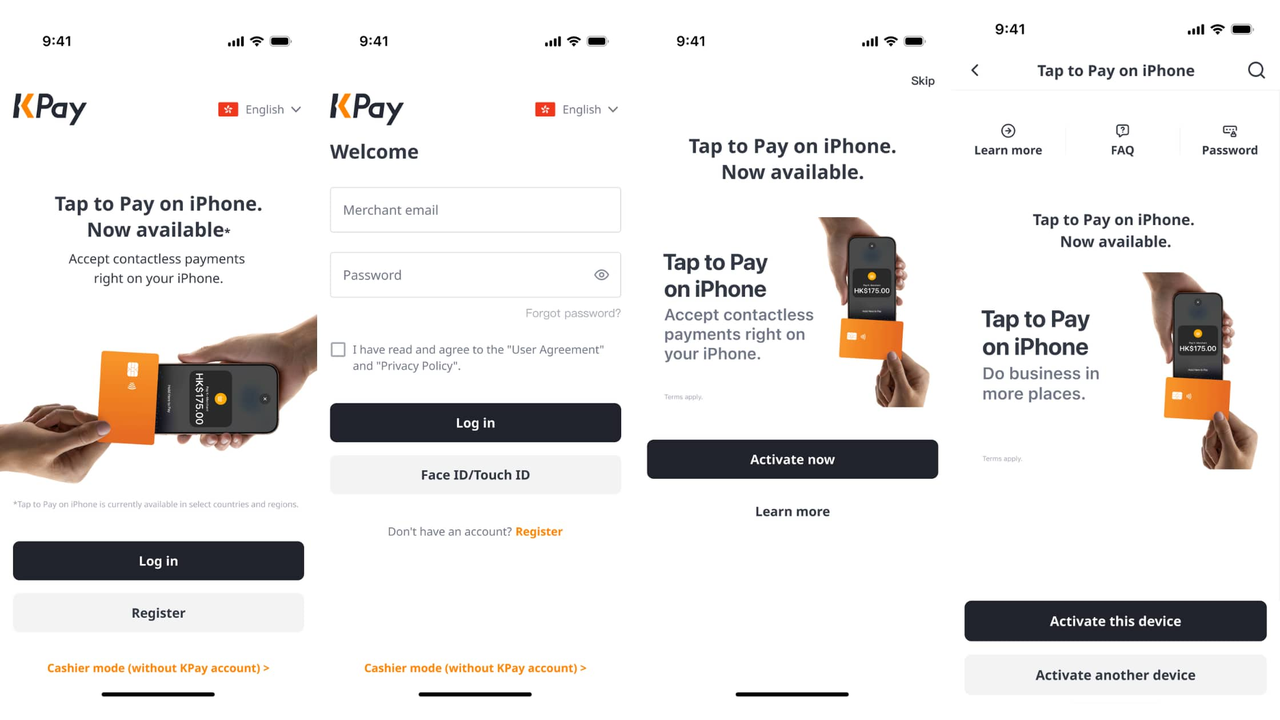
How to activate Tap to Pay as an existing KPay merchant
If you're already an existing KPay merchant, activating Tap to Pay is a simple and quick process:
Open the KPay App
Log in to your KPay Merchant account
Tap on the Tap to Pay banner on the homepage, and select on "Activate now"
Activate Tap to Pay for the device you're currently using, or activate it on your preferred device
You're ready to use Tap to Pay for your business!
FAQs
Can a smartphone be used as a mobile payment terminal?
Yes. With Tap to Pay, the smartphone itself reads a contactless card and uses NFC technology to make the payment. The merchant simply needs a compatible phone and a payment app, such as KPay App, rather than a separate card machine.
What is the difference between a mobile card reader and Tap to Pay?
A mobile card reader is a separate device that pairs with a phone by Bluetooth or cable. Tap to Pay removes that extra device. The phone reads the payment directly, so there's nothing additional to carry or charge.
Do I need extra hardware to use Tap to Pay?
No. Tap to Pay needs only a compatible smartphone. There's no separate terminal, reader or accessory to set up.
Which businesses use mobile payment terminals?
Mobile payment terminals traditionally suit businesses without a fixed point of sale. Mobile service providers, event and pop-up vendors, premium appointment-based services and property professionals are among the most common users. See the section above for examples of how each group uses them.
Can I accept digital wallets with a mobile payment terminal?
Many mobile payment terminals accept digital wallets, though support depends on the specific device and provider. KPay Tap to Pay on your mobile accepts major credit and debit cards.