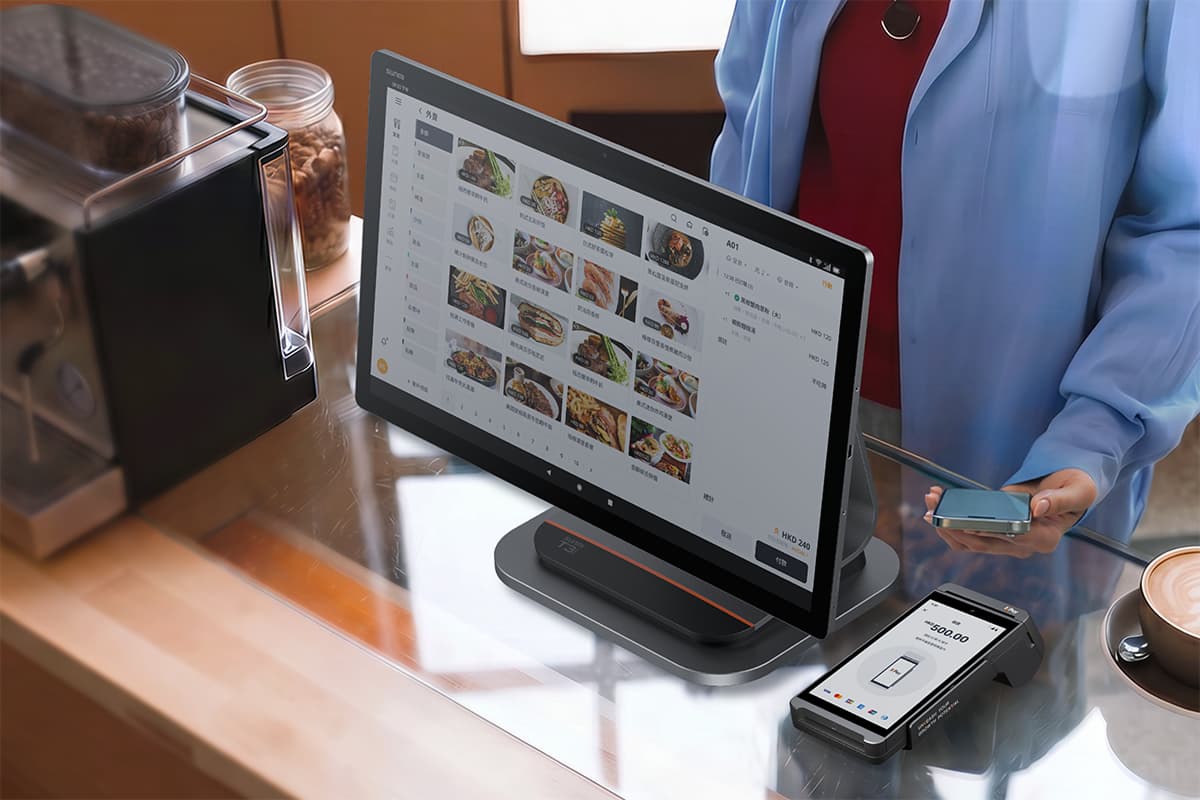
The move towards a cash-lite society started years ago, with plans to reduce the use and eliminate cheques by 2025. It has seen great success in recent years following the growth of digital payments. In Singapore’s "cash-lite" economy, PayNow has become an indispensable tool for merchants.
What is PayNow?
Launched in 2017 for participating banks and 2021 for participating Non-Bank Financial Institutions (NFIs), PayNow lets retail customers send and receive funds from one bank or e-wallet account to another in Singapore through FAST by using just their mobile number, Singapore NRIC/FIN, or Virtual Payment Address (VPA), instantly.
With over 90% of adult residents and most businesses registered, it is no longer a convenience but a necessity. However, for a business to look professional and operate efficiently, simply displaying a mobile or UEN number is not enough.
Knowing how to create a PayNow QR code is the first step toward faster checkouts, reduced human error, and lower transaction costs.
Understanding PayNow QR codes: Static vs. dynamic
Before you generate your code, you need to understand the two types of PayNow QR codes available to merchants. Both are based on the SGQR (Singapore Quick Response) standard, but they serve very different operational needs.
1. Static PayNow QR codes
A static QR code is a permanent, non-changing image. It typically contains only your business’s Unique Entity Number (UEN).
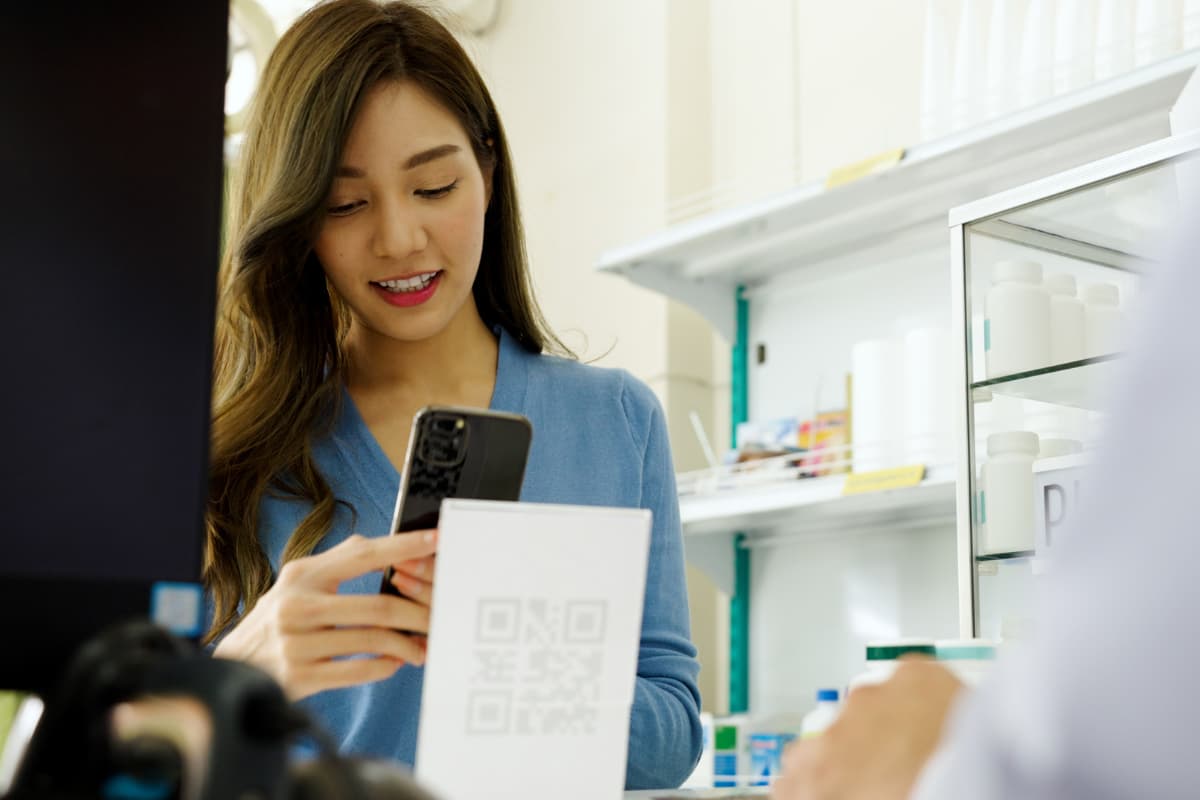
- How it works: The merchant displays a printed QR code. The customer scans it and must manually enter the payment amount on their banking app.
- Best for: Small kiosks, hawker stalls, or donation drives where transaction volumes are lower and speed is less critical.
- Downside: Merchants must manually verify the "Successful Payment" screen on the customer's phone, which can lead to errors or fraud during busy periods.
2. Dynamic PayNow QR codes
A dynamic QR code is generated fresh for every single transaction.
- How it works: The payment amount and a unique reference number are embedded directly into the code. When the customer scans it, the exact amount is pre-filled—they only need to tap "Confirm."
- Best for: Retail stores, F&B outlets, and high-volume businesses.
- Upside: It eliminates entry errors and allows the merchant's system to automatically reconcile the payment instantly.
How to generate a PayNow QR code for businesses
Here are a few ways to create a basic QR code for your business:
- Via Your Corporate Banking App: Most major banks (DBS, OCBC, UOB) allow you to download a static SGQR label from their business banking portal once your UEN is linked to PayNow.
- The SGQR Label Web Portal: For a unified look, businesses can apply through the official SGQR website to combine PayNow with other schemes (like GrabPay or NETS) into a single label.
- Manual Generation: Some online tools allow you to input your UEN to generate a basic QR, though these lack the security and integration needed for professional retail.
Seamless PayNow integration with KPay
While printing a sticker or a display stand is a start, it often creates a "fragmented" counter where you have one machine for cards and a separate sticker or display for PayNow. This can also make accounting difficult.
However, there are other options to consider. KPay Terminal Pro transforms your operations. Instead of searching for "how to create a PayNow QR code" manually, the terminal handles it for you.
Generate dynamic PayNow QR codes instantly
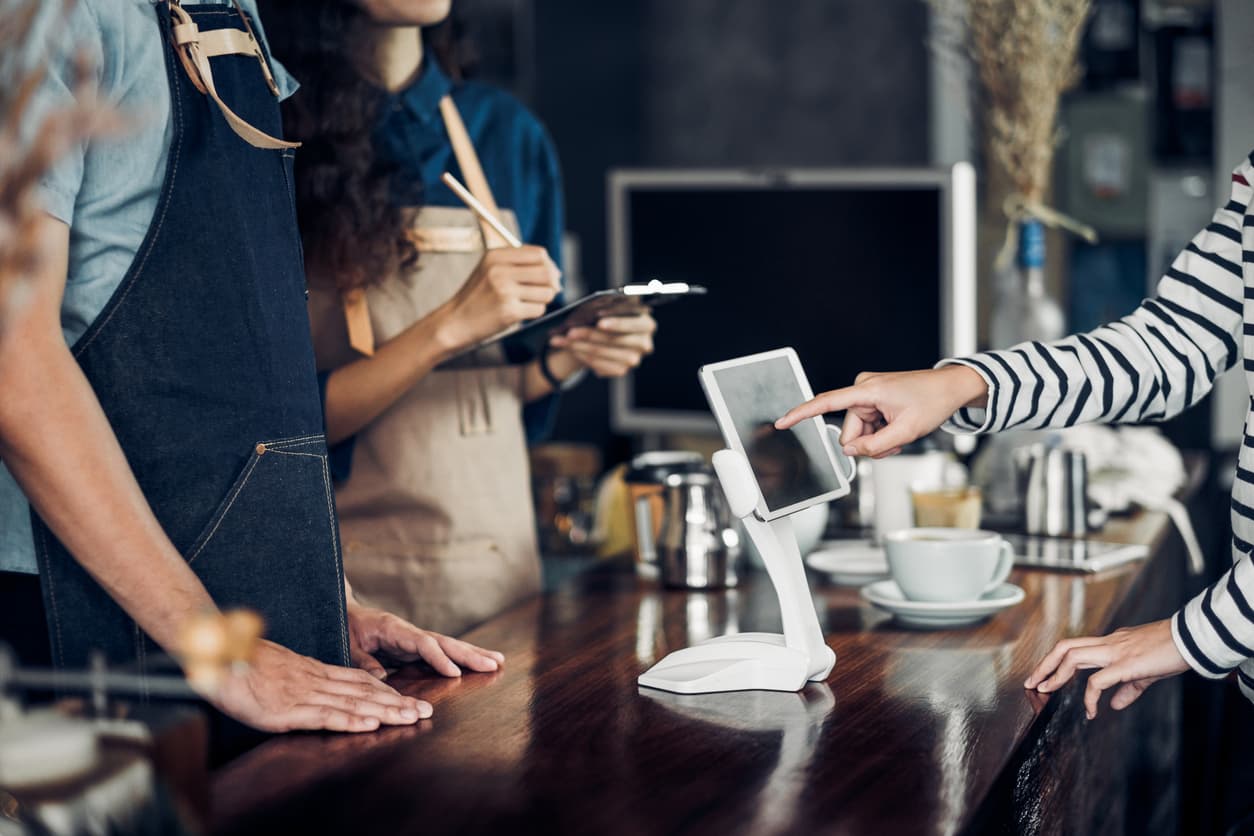
The KPay Terminal Pro is a smart, all-in-one payment terminal. When you enter an amount on the terminal, it can instantly generate a dynamic PayNow QR code directly on its high-resolution screen. The customer scans the terminal, pays the exact amount, and the terminal prints a receipt immediately once the funds are confirmed.
One terminal, 20 major payment methods
The true power of KPay is its versality in accepting a wide variety of payment methods, allowing you to capture both local and tourist spending. Beyond PayNow, the same terminal allows you to accept:
- Major Credit Cards: Visa, Mastercard, and American Express.
- Contactless Payments: Apple Pay, Google Pay, and Samsung Pay.
- International Wallets: Alipay and WeChat Pay.
Why Singapore businesses are switching to KPay
Other than payment versatility, the KPay Terminal Pro also offers:
- Unified Reporting: No more manual reconciliation. See your PayNow sales alongside your credit card transactions in one centralised Merchant App.
- Professionalism: Replace stickers or a display stand with a sleek, portable 4G/Wi-Fi terminal that works at the counter or tableside.
Smarter PayNow payments for your business
Learning how to create a PayNow QR code is essential for modernising your business. While static stickers or printed display stands are a quick fix, a dynamic solution integrated into a smart terminal like the KPay Terminal Pro offers the security, speed, and professional experience that Singaporean consumers expect today.