What is contactless payment? Guide for Australian merchants
25 August 2026
6 min read
KPay Editorial Team
Making the complex sides of financial management, business operations and digital transformation simple. We share practical tips and local stories to help you run your business smarter and grow faster.
Key takeaways
Contactless payments use NFC (Near Field Communication) technology to process transactions when a card, phone, or wearable is tapped close to a payment terminal.
Each transaction generates a unique encrypted token, making contactless more secure than magnetic stripe card swipes.
For merchants, enabling contactless payments can reduce checkout times, ease peak-hour pressure, and help serve more customers per hour.
KPay Terminal Pro accepts all major contactless payment methods used in Australia — no additional hardware required.
Your lunch queue is backing up to the door. Three tables are waiting for bills. Your staff are juggling cash change, re-running cards that won't swipe, and manually noting payment totals. By the time the rush clears, you've probably lost two or three customers who didn't want to wait — and a few customers who didn't come back.
For many Australian merchants, payment friction is one of the most persistent operational issues. It's not a staffing problem or a menu problem. It's a checkout problem.
Contactless payment is one of the most practical fixes available to a small business today. Here's exactly what it is, how it works, and what it means for your operations on the shop floor.
What is contactless payment?
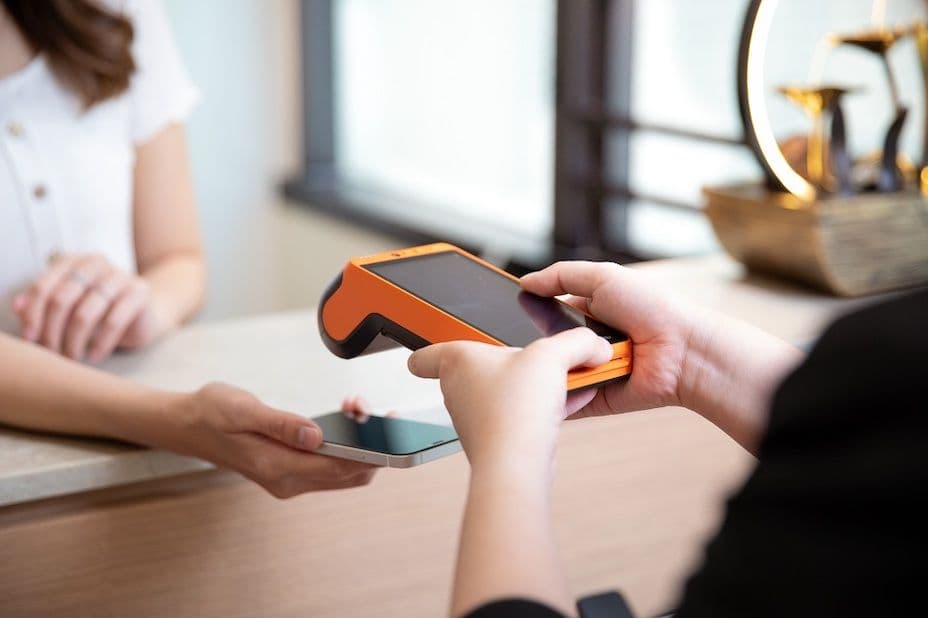
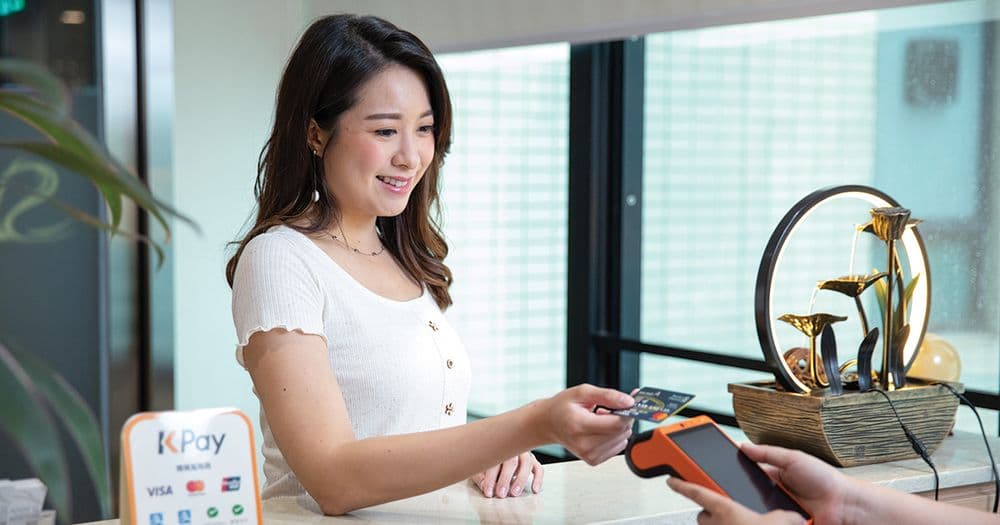
A contactless payment is a transaction completed by tapping, or holding close, a payment card, smartphone, or wearable device to a payment terminal, without inserting a card or entering a PIN for most everyday purchases.
The technology behind it is NFC (Near Field Communication), a short-range wireless standard that allows two devices to exchange encrypted data when they are within a few centimetres of each other.
When a customer taps their card or phone, the NFC chip in their payment device communicates with the reader in your terminal. The connection is momentary, encrypted, and automatically closed once the transaction is authorised.
No swipe. No insertion. No signature. Just tap and done — typically in under one second.
How does contactless payment work, step by step?
Understanding the mechanics helps you troubleshoot issues and reassure customers who are new to tap payments.
Customer presents their payment device: A contactless card, smartphone (Apple Pay, Google Pay), or wearable near the payment terminal.
NFC activates: The terminal emits a low-power radio frequency signal. When the customer's device enters range (usually within 4cm), the NFC chip responds.
Encrypted data is exchanged: The terminal and the customer's device communicate through a tokenised data exchange. The customer's actual card number is never transmitted.
Authorisation request is sent: The terminal forwards the encrypted payment token to the payment network (Visa, Mastercard, UnionPay, etc.) for approval.
Transaction is approved: The bank confirms the transaction, the terminal receives an authorisation code, and payment is complete.
Receipt issued: Digital or printed, depending on your setup.
The entire process takes between 0.5 and 2 seconds for most contactless transactions.
What makes contactless payments secure?
A common concern from both merchants and customers is whether tapping a card or phone is actually safe. The short answer: contactless payments are significantly more secure than magnetic stripe card swipes.
Here's why:
Tokenisation
Rather than transmitting your card number, contactless payments send a one-time token, which is a unique string of data generated for that specific transaction. Even if someone intercepted the signal, the token is useless for any other purchase.
Dynamic data
Unlike a magnetic stripe, which stores static data that can be cloned, contactless EMV chips generate new cryptographic data for every transaction. There is no reusable card data to steal.
Short range
NFC operates at a range of roughly 4cm. For a fraudster to intercept a contactless signal, they would need to be physically present and within centimetres of the transaction, which is not a realistic threat in everyday retail.
Device authentication
For mobile payments like Apple Pay or Google Pay, an additional layer of biometric or PIN verification is required on the customer's device before the payment is authorised. Even if someone steals a phone, they cannot complete a tap payment without the owner's fingerprint, face ID, or device PIN.
Types of contactless payments available in Australia
Australia has one of the highest "tap and go" adoption rates in the world. In fact, the phrase is so embedded in daily life that many Australian consumers use it as the default term for any card payment. For merchants, this means customers walk in expecting to tap and pay, and friction at checkout is noticed quickly.
Contactless credit and debit cards
Visa and Mastercard contactless cards are the dominant payment method across retail, F&B, and services in Australia. The contactless symbol, which is four curved lines, is standard on virtually all Australian-issued cards. Tap payments without PIN are permitted up to a per-transaction threshold, commonly set at A$200 by most Australian banks, though this varies by issuer and is subject to change. Merchants should confirm current limits with their acquiring bank.
eftpos
eftpos is Australia's domestic debit card network and one of the most widely used payment methods in the country. eftpos tap & pay supports contactless transactions on eftpos-enabled terminals. Many Australian debit cards are dual-network, carrying both eftpos and Visa or Mastercard, meaning the customer or merchant may be able to choose which network processes the transaction. Merchants should confirm eftpos acceptance with their payment provider, as not all terminals are configured to accept it by default.
Apple Pay and Google Pay
Mobile wallet adoption is high in Australia, with Apple Pay particularly well-established across all demographics. Customers tap their iPhone or Apple Watch in place of a physical card, with biometric authentication adding an additional layer of security. Google Pay is widely used among Android users. Both work via NFC and are accepted on any contactless-enabled terminal that supports the relevant card networks.
Alipay and WeChat Pay
For merchants in areas with significant Chinese communities or high tourist foot traffic, such as Melbourne CBD, Sydney's Chinatown, or major shopping precincts, Alipay and WeChat Pay are commercially relevant. Both operate via QR code and are supported on multi-function terminals that include QR payment capability.
Why contactless payments matter for Australian merchants
Beyond convenience, contactless payments have direct operational and commercial implications for your business.
Faster checkout, shorter queues
A contactless tap takes under two seconds. A cash transaction, which includes counting change, verifying notes, and reconciling the till, can take 30 seconds or more. During peak hours in a busy Queen Victoria Building store in Sydney or a Westfield Chermside shop in Brisbane, that difference compounds across dozens of transactions.
Faster checkout means more customers served per hour, and less queue abandonment.
Reduced manual errors
Cash handling often introduces reconciliation errors. Card insertion can fail on worn terminals or damaged cards. Contactless removes the probability of these issues as transactions are either approved or declined cleanly, with a digital record.
Lower staffing burden
Australian retail and hospitality businesses operate under some of the highest wage costs in the world, with award rates, penalty rates, and superannuation obligations making every labour hour a material expense. Reducing the time each transaction takes allows your existing team to handle a higher volume of customers per shift, without extending hours or adding headcount. One staff member processing contactless payments can move through a queue meaningfully faster than one managing cash or troubleshooting card insertion issues, which adds up quickly across a busy service period.
How to enable contactless payments at your business
Enabling contactless payments does not require a complex setup. The key requirement is a payment terminal with NFC capability that is connected to an acquiring bank or payment service provider.
Here's what the process generally looks like:
Choose a payment terminal with built-in NFC — look for models that support Visa Contactless, Mastercard Contactless, and mobile wallet acceptance (Apple Pay, Google Pay, Alipay, WeChat Pay).
Sign up with a payment service provider that supports your required payment methods and offers competitive settlement rates.
Configure your preferred payment methods through your provider's onboarding process.
Brief your team on how to present the terminal, confirm tap authorisation, and handle declined transactions.
Place your terminal correctly. It should be at counter height, within easy reach of customers, with clear visual cues that contactless payment is accepted.
KPay Terminal Pro: Built for Australian merchants
For merchants looking for an all-in-one solution, KPay Terminal Pro is designed to handle the payment needs of Australia's consumers with a single device.
It accepts 12 major payment methods, including:
Visa and Mastercard contactless
Apple Pay and Google Pay
Alipay and WeChat Pay
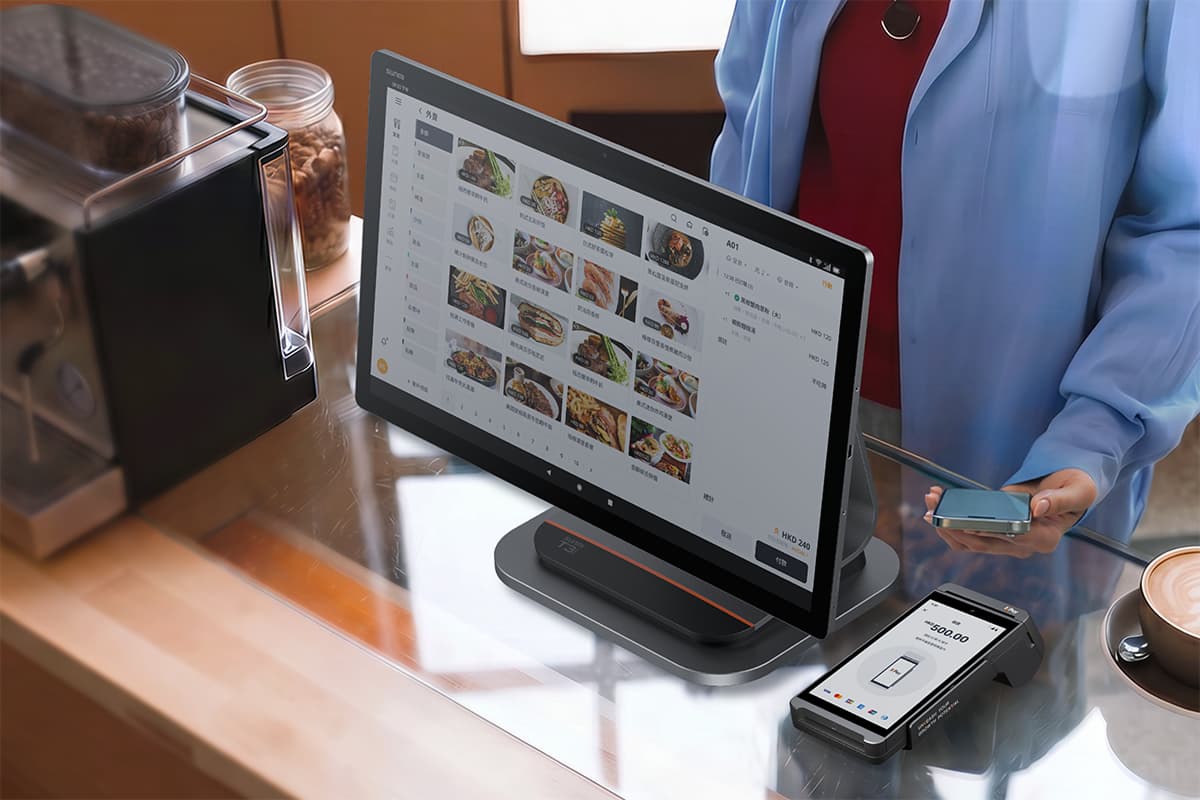
KPay Terminal Pro combines a fast NFC reader with an integrated receipt printer and a clear transaction display, making it suitable for retail counters, F&B service desks, and service businesses managing high transaction volumes.
Settlement is processed the next business day directly to your registered business account, with a full transaction history accessible through the KPay Dashboard.
For merchants managing multiple locations or requiring consolidated reporting across sites, the KPay Merchant App's dashboard provides a centralised view of payment volume, transaction records, and settlement status, without needing to log into multiple systems.
What does this mean for your business?
Contactless payment is the standard customers expect in Australia, and the operational upgrade most merchants benefit from immediately. The technology is secure, fast, and now available across virtually all card types and mobile wallets used in the market.
For a merchant managing a busy shop floor, the value is concrete: shorter queues, fewer transaction errors, and a checkout experience that keeps customers moving and spending.
FAQs
Yes. From a merchant's perspective, contactless payments are processed through the same authorisation networks as chip-and-PIN transactions. Chargebacks and disputes are handled through the same process as any other card transaction. Contactless does not increase your merchant liability for fraudulent transactions when EMV-compliant terminals are used.
Contactless payment limits in Australia are set by the card issuing bank rather than by the merchant or terminal. Most Australian-issued cards allow tap payments without PIN entry up to A$200 per transaction, though this varies between banks and card types and is subject to change. Some banks may also apply a cumulative limit across consecutive contactless transactions before requiring PIN entry.
Merchants do not control these limits. If a transaction exceeds the customer's bank threshold, the terminal will automatically prompt for PIN, with no manual intervention needed. Merchants should confirm current limits and any related liability terms with their acquiring bank.
With a multi-function NFC terminal like KPay Terminal Pro, there is no need for separate hardware. A single device handles card contactless, mobile wallet NFC, and QR-based payments. Older or basic terminals may require separate hardware for QR code payments, which is worth clarifying with your payment provider before purchasing.
A failed contactless tap can occur for several reasons: the customer's card may not have sufficient balance or available credit, the NFC chip may require repositioning, or the terminal may briefly time out. In most cases, the customer can re-tap or fall back to chip insertion. The terminal will display an error code, and declined transactions are not charged.
Yes. Contactless transactions are refundable through the same process as other card payments. Merchants can process refunds directly from the terminal or via the payment provider's merchant portal, subject to the standard refund window and terms of your acquiring agreement.
If you're looking to upgrade your payment setup or add contactless capability to your existing operations, KPay Terminal Pro accepts 12 major contactless payment methods in Australia with just a single device. Contact KPay's sales team to find out which solution fits your business.