To avoid turning into bad hygiene hotspots, we recommend that merchants schedule regular cleaning of terminals throughout the day. Here’s how to safely clean your POS terminals.




To avoid turning into bad hygiene hotspots, we recommend that merchants schedule regular cleaning of terminals throughout the day. Here’s how to safely clean your POS terminals.
In the modern retail and food & beverage (F&B) landscape, the EFTPOS machine (also referred to as payment terminal or credit card terminal) is the most frequently touched piece of shared equipment, often handled multiple times by staff and customers during a transaction. While speed and uptime are important, maintaining hygiene standards is a crucial operational step that protects three key areas:
Knowing the correct procedures and approved cleaning agents is essential to avoid destroying your hardware, voiding your warranty, or compromising functionality.
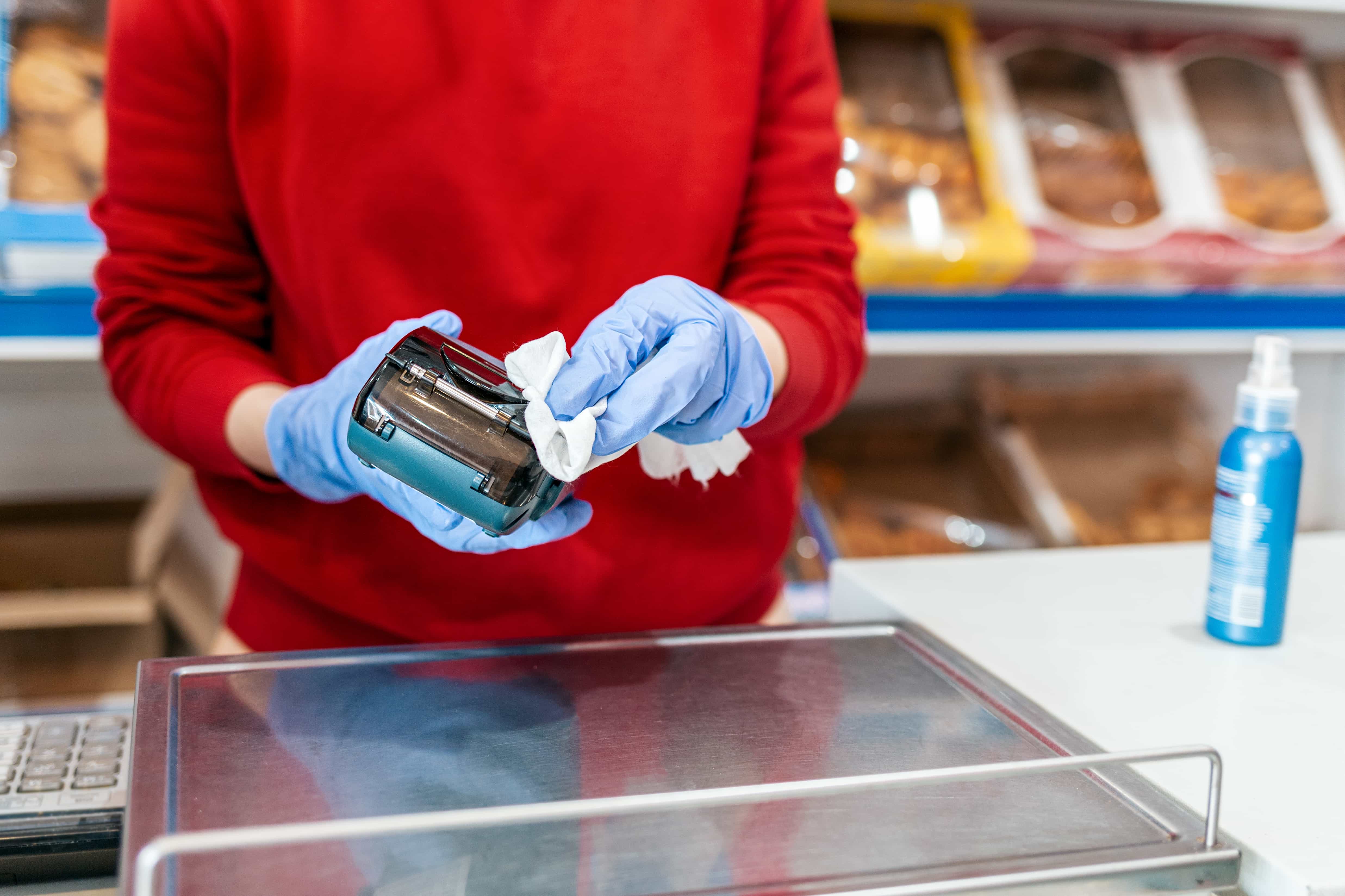
Before starting any cleaning process, adhere strictly to these rules for any electronic EFTPOS machine:
Always turn off the device and, if applicable, unplug it from the power source. This is a fundamental safety measure to prevent electrical shock or permanent damage to the circuit board.
Do not spray any liquid directly onto the screen, keyboard, card reader slot, or printer. Excess moisture can seep into sensitive ports and internal components, leading to corrosion and terminal failure.
Never use abrasive, highly concentrated, or solvent-based chemicals. These include:
These can strip the protective coating off the touchscreen, fog the plastic, and deteriorate the rubber keys or seals.
The correct approach is to use a mild solution applied to a soft cloth.
Note on alcohol: Isopropyl Alcohol (IPA) in concentrations of 70% or less is widely recommended as it is effective against pathogens but evaporates quickly, minimising moisture risk.
Follow this process to clean and sanitise your terminal:
By adhering to these strict guidelines, your business ensures a safe environment, preserves its essential payment hardware, and maintains maximum operational efficiency.
If liquid enters your POS terminal, please contact KPay customer service team as soon as possible. Do not vigorously scrub or shake the terminal to prevent potential damage.