What is a queue management system and why it matters before Australia's peak season
30 September 2026
10 min read
KPay Editorial Team
Making the complex sides of financial management, business operations and digital transformation simple. We share practical tips and local stories to help you run your business smarter and grow faster.
Key takeaways:
A queue management system is the technology that automates and controls how customers wait for service — from check-in to service call
The Christmas and summer holiday period is the highest-risk time for queue failure in Australia — preparation before the rush matters more than managing the chaos on the day
F&B businesses can address queues at the order point with QR ordering; retail businesses can speed up checkout with the right payment terminal
Physical, digital, and hybrid queue management systems each suit different business types and budgets
Integration between your queue management system and your payment setup produces the most meaningful reduction in customer wait times
The Christmas and summer holiday period is the highest-stakes stretch of the year for most Australian businesses. For a café in Surry Hills or a boutique in Fitzroy, the weeks from mid-December through January can represent a disproportionate share of annual revenue, and a disproportionate share of operational stress. Walk-in traffic surges, rosters get harder to fill, and a queue that normally manages itself becomes something that can drive customers away before they've even made it through the door.
Most businesses know the rush is coming. Fewer have a proper queue management system in place to handle it.
That's where queue management comes in — not as a tech upgrade for its own sake, but as a practical operational tool. This article explains what a queue management system is, how different systems work, and what Australian businesses in F&B, retail, and beauty should put in place before peak season arrives.
What is a queue management system and how does it differ from a queue manager?
These two terms are often used interchangeably, but they describe different things.
A queue manager is the underlying strategy or logic for controlling how customers are served — deciding the order, routing people to the right counter, and managing wait expectations. It can be as simple as a staff member calling names from a list.
A queue management system (QMS) is the technology used to execute that strategy. A digital ticket kiosk with SMS updates, a QR code check-in system, or a virtual queue app are all queue management systems.
The simplest way to think about it: queue manager = the method, queue management system = the tool.
A host manually managing a waitlist at the door is using a queue manager. The same venue installing a digital check-in system with estimated wait times has upgraded to a queue management system. The goal of serving customers in an organised, fair, predictable order is the same, but the execution is different.
Why a queue management system matters for Australian businesses
Australia's retail and hospitality environment has its own set of pressures that make queue management more than just a nice-to-have.
Seasonal concentration: Unlike markets where busy periods are spread more evenly across the year, Australian businesses face a concentrated peak: school holidays, Christmas, and the summer break all overlap in December and January. For businesses in coastal areas, tourist towns, and CBDs, this creates a volume spike that a standard operating setup may not be built for.
Staffing challenges: Hospitality and retail labour shortages have been a persistent issue across Australia. Operating with reduced or casual staff during the busiest period of the year means there are fewer people available to actively manage customer flow. Queues that would normally be handled by a dedicated team member end up unattended.
Rising customer expectations: Australian consumers are increasingly accustomed to digital-first service experiences, including app-based ordering, tap-and-go payments, and real-time updates. A disorganised queue with no visible structure signals operational weakness and erodes confidence in the business before a transaction has even occurred.
The real cost: When customers abandon a queue, that revenue rarely comes back. During peak season, when foot traffic is at its highest, the cost of poor queue management is at its most significant. A business that could have served 40 covers during a lunch service may only manage 30 if the door management process breaks down.
Types of queue management systems
The right solution depends on your business type, physical layout, and how much operational complexity you're willing to manage. Here's how the main options compare.
Physical queue systems
This is the oldest form of queue management, and still widely used in Australia.
Barriers and stanchions create defined pathways that prevent crowding and direct customers toward service counters. They are common in banks, supermarkets, and larger hospitality venues. While they organise the physical space, they provide no information about wait times and require staff to manage actively.
Ticket/number dispensers give customers a printed number and call them when their turn arrives, usually via a display screen or audio announcement. This is common in service centres like Services Australia (Centrelink, Medicare), state transport departments (such as Service NSW or VicRoads), local council customer service counters, pharmacies, and some banks. Customers can sit rather than stand in a fixed line, which reduces frustration, but the system is largely passive and offers no real-time updates.
Manual check-in involves staff recording arrival order and directing customers accordingly. This works for small operations with consistent, lower-volume traffic, but falls apart under the pressure of a peak summer Saturday.
Digital queue management systems
Digital systems automate the logic that staff would otherwise handle manually, and add real-time communication that physical systems cannot provide.
Token-based systems with display screens operate similarly to ticket dispensers but route customers to specific counters or service types automatically. These systems, while being more sophisticated than paper tickets, are still an on-site, fixed-location experience.
Virtual queuing allows customers to join a queue remotely, whether via QR code, mobile app, or website, and wait wherever they choose. They receive notifications when their turn approaches and only need to arrive at the service point when ready. This reduces physical crowding and removes the frustration of standing in a line with no visible end.
Appointment-based queues replace walk-in unpredictability with pre-booked time slots, and suits services with defined durations such as consultations, beauty treatments, and specialty retail fittings.
QR ordering removes the queue at the order stage entirely. Customers scan a code at the table, browse the menu, and place their order directly from their phone. The order goes to the kitchen without any customer-to-staff interaction at that point. For cafés and restaurants, this is often the most impactful queue reduction available.
Hybrid systems
Most high-traffic venues benefit from a hybrid approach of combining walk-ins, pre-bookings, and digital check-in in a single workflow. This is especially relevant for hospitality venues and beauty businesses that handle both booked and walk-in clients during the same service window.
How a queue management system works — step by step
Queue management looks simple on the surface: people arrive, wait, and get served. Behind that, a well-designed system is removing friction at every stage.
1. Arrival and check-in
The customer enters the queue, either by walking in and approaching a kiosk, or by joining remotely via QR code or app. The goal at this stage is immediate acknowledgement: the customer should know within seconds that they are in the system and have a position.
2. Token or queue position assigned
The system captures the customer's details, including name, service type required, arrival time, and assigns a place in queue. In advanced systems, an estimated wait time is generated immediately.
3. Routing to the right service point
Rather than directing everyone to a single line regardless of need, a good queue management system routes customers based on what they require. A quick transaction goes to a different counter than a complex service request.
4. Real-time wait time updates
The customer is kept informed as the queue progresses, via SMS, app notification, or display screen. This is the step that most directly affects perceived wait time. Customers who know how long they're waiting are significantly more tolerant than those who have no idea.
5. Service call
When the customer's turn arrives, they are directed to the right counter or staff member. The transition is immediate and predictable.
6. Completion and data logging
After service, the interaction is recorded. Wait time, service duration, peak-hour patterns — this data becomes the foundation for staffing decisions and operational improvement ahead of the next peak period.
Queue management for F&B businesses
For restaurants, cafés, and bars, queue problems during summer typically begin before customers are even seated. The pressure points stack up quickly: a waitlist at the door, delays at the order counter, and slow payment at the end of the meal can each create their own bottleneck. Combined, they can turn a profitable Saturday lunch into a frustrating operational failure.
Managing the door: A digital waitlist, whether through a dedicated app or a simple QR check-in, gives waiting customers a visible position and an estimated time. This makes standing outside feel manageable rather than uncertain, and meaningfully reduces walkaway rates on busy days.
QR ordering at the table: Once customers are seated, QR ordering removes the order-taking queue entirely. Customers scan a QR code at the table, browse the menu, and place their order directly. Orders go straight to the kitchen without a staff member needing to take them. During a packed summer Saturday service, this has a direct impact on table turnover as faster ordering means faster service, which means more covers across the day.
Faster payment at checkout: Integrated payment within the same POS system means the bill is generated, presented, and paid without friction. Ensure that multiple payment methods are supported via one terminal — including Visa, Mastercard, EFTPOS, Apple Pay, Google Pay — so customers pay with whatever they prefer without staff needing to redirect them or switch between devices.
The combined effect: A venue running QR ordering with integrated payment can meaningfully reduce the end-to-end dwell time per table. Over a full summer holiday service window, that compounding improvement across every table, every shift, adds up to more revenue from the same physical space.
Queue management for retail businesses
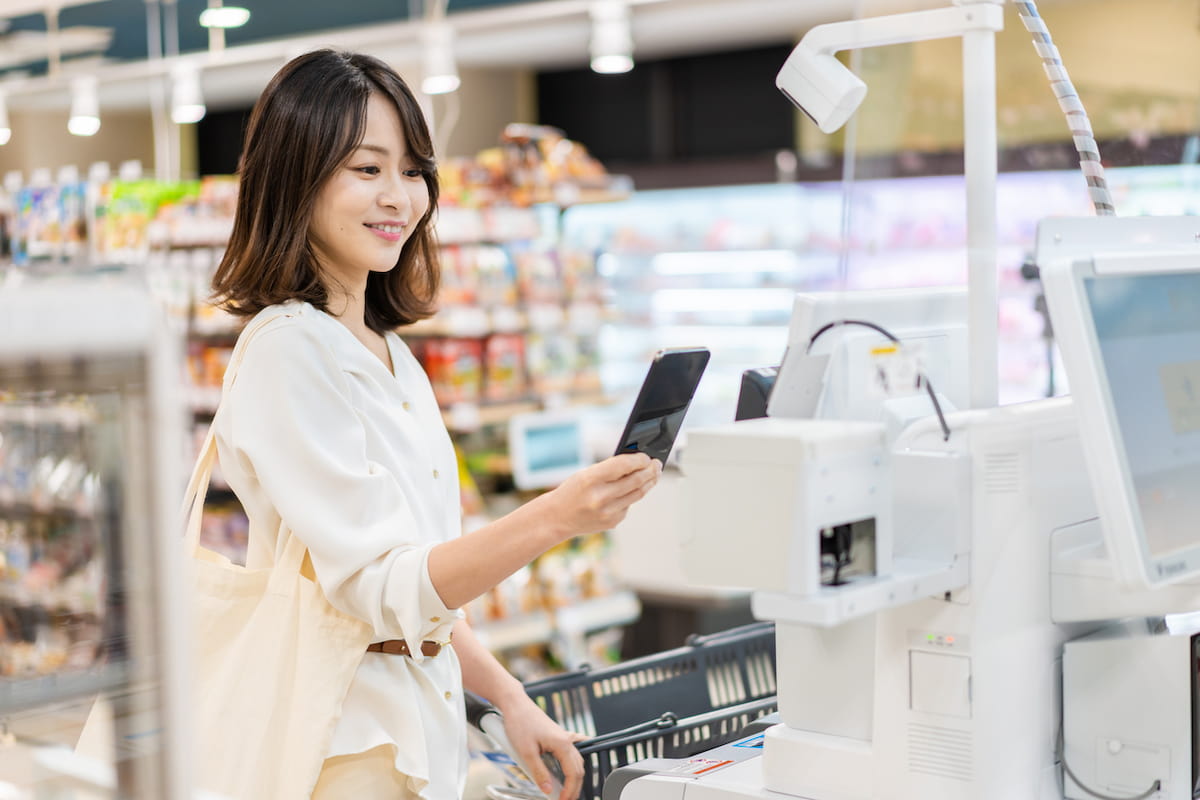
In retail, the most damaging queue is almost always at the cashier counter. A customer who has already decided to buy can still be lost at the last step if the checkout process is slow or clunky.
During the holiday season, when basket sizes are larger and floor traffic is higher, a slow checkout becomes a multiplier: longer queues, more abandonment at the point of purchase, more frustration in the final moments of a sale.
Faster payment terminals: The most effective checkout improvement for most retail businesses is a payment terminal that handles transactions quickly and supports the payment methods customers actually use. Consider getting a payment terminal that processes contactless, chip, and QR payments in a single device, so staff are not navigating between separate systems or asking customers to switch payment method mid-transaction.
Tap to Pay: For businesses that need additional checkout capacity during peak periods without purchasing extra hardware, Tap to Pay turns a compatible mobile device into a contactless payment terminal. A staff member's phone or tablet becomes a second checkout point, which can be useful during Boxing Day trading or a particularly busy Saturday without requiring a capital investment in additional equipment.
Payment Links (for social commerce and online businesses): For businesses selling through Instagram, Facebook, or other social channels rather than a physical storefront, Payment Links allow customers to pay via a link sent directly to them. The checkout happens online, removing the in-person queue entirely. This is less applicable to bricks-and-mortar retail but highly relevant for businesses operating across both physical and social/online channels.
Queue management for beauty and wellness businesses
Beauty salons, nail studios, and day spas face a distinct challenge: most services are appointment-based, but many also take walk-ins. In the weeks leading up to Christmas, which is when clients are booking in for end-of-year treatments and last-minute appointments, both scheduled and walk-in demand spike simultaneously.
Appointment management: A clear digital booking system prevents overbooking and gives clients visibility of real availability. Without one, the front desk becomes a manual coordination exercise that is difficult to sustain under peak-season volume.
Walk-ins alongside appointments: The practical challenge is handling the overlap: a walk-in arrives during a fully booked period. A digital waitlist that captures their details and provides a realistic wait time manages this professionally, rather than leaving the client standing at the front desk with no information and no obvious next step.
At checkout: Beauty and wellness transactions often involve upselling, such as retail products, treatment packages, and gift vouchers. A payment process that handles multiple line items quickly, supports gift card redemption, and works with the payment methods clients prefer keeps the end-of-visit experience smooth rather than creating a bottleneck at the moment the client is most satisfied.
How KPay helps Australian businesses manage peak-season queues
The right payment and POS setup removes friction at the points where queues are most likely to form.
KPay POS for F&B businesses
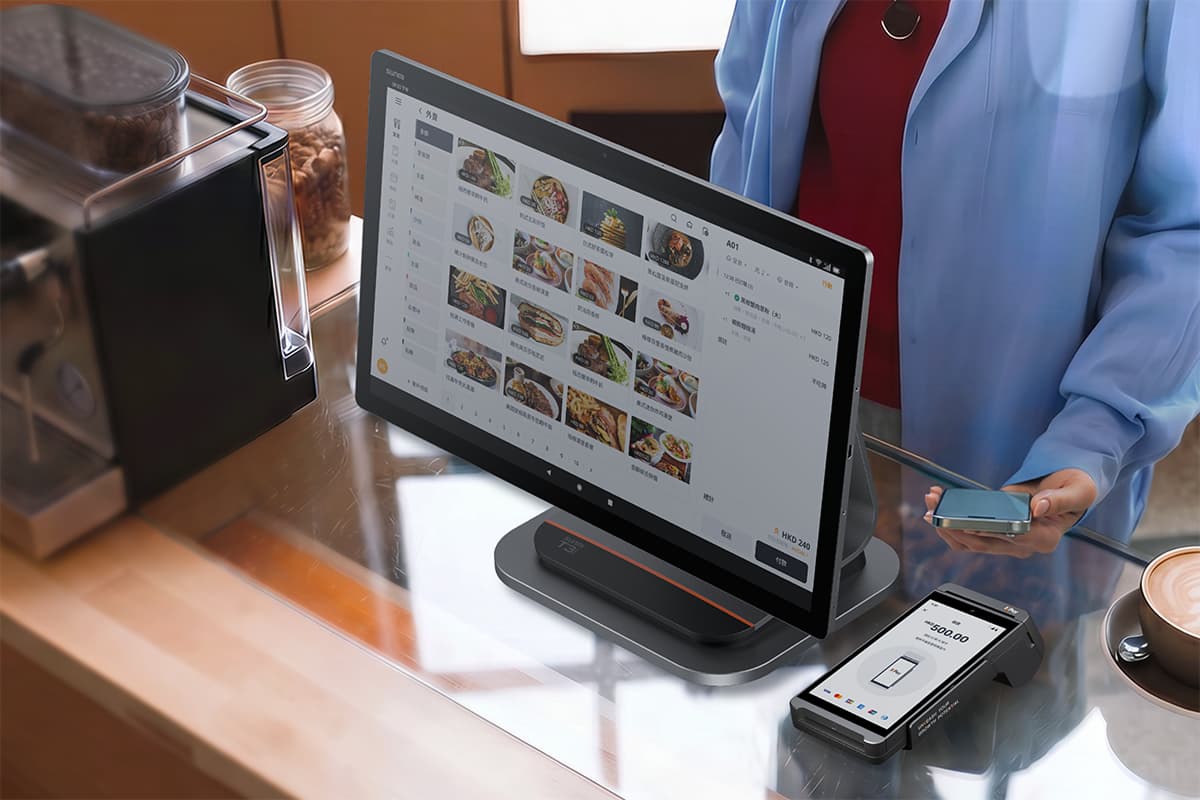
KPay POS is designed with F&B businesses in mind and integrated with the KPay ecosystem so that you can access all you need in one place. We help your business to operate more efficiently with a fast, reliable and modern POS system including built-in tools, so you can focus on growing the business.
KPay POS offers various features:
All-in-one F&B solution: KPay POS is a simple, integrated POS & payments bundle built for hospitality merchants. Let one system handle everything for you, from taking orders to getting paid, so you can focus on what matters for the business.
Cloud-based ordering and payment for real-time efficiency: Supports multiple service models with pay-before dine-in, pay-after dine-in and takeaway and scan to order (QR ordering) all included within the standard package, enabling you to streamline your operations and better provide a great dining experience for your customers.
Manage multiple brands and outlets seamlessly in one system: Easily run multiple restaurants with flexible operational settings all via one platform.
24/7 Real-time support: Get support any time from a single provider, with dedicated implementation specialists who get you set up quickly and keep friction to a minimum across both POS and payments.
Additionally, KPay POS is also compatible with Android, iOS and Windows devices, making integration with your existing systems seamless and letting you streamline business operations quickly.
KPay Terminal Pro
KPay Terminal Pro helps you speed up the payment process, reducing wait times at the cashier. It also includes features such as:
Accepts 12 major payment methods seamlessly on one portable device
No subscription fees, annual fees or terminal rental fees
Secure transactions and data points with industry-leading security standards, including PCI DSS, AICPA Soc 1 & 2, and ISO 27001.
24/7 customer support, every day of the year to ensure merchants get up and running quickly should any issues occur.
Access real-time sales reporting, peak hour analysis, and transaction reconciliation with KPay's Merchant App
With KPay Terminal Pro you can meet your customers' needs for speed, versatility of payment methods, and ensure secure transactions — all with one device.
KPay Payment Link
Payment Link allows merchants to accept payments anytime and anywhere, without requiring a website or complicated technical setup. Merchants are able to make the checkout process a smooth one through:
Instant link-generation and sharing: Create and share secure payment links instantly via WhatsApp, Instagram or email. Turn any chat into a checkout page.
Scalable bulk creation: Generate thousands of payment links simultaneously by uploading a single CSV file, which can help businesses that use recurring billing and mass promotions.
Real-time payment tracking: Stay on top of every transaction with instant notifications and a live dashboard. You get to know the moment a customer pays, and easily reconcile your records without chasing invoices.
To find out more about how KPay's suite of solutions can help your business to cope with the peak season rush, contact us today.
Physical vs digital queue management — a comparison
Feature
Physical queue system
Digital queue management system
Set-up
Manual; requires space and staff
Automated; minimal space required
Customer experience
Fixed physical wait
Virtual queue; wait anywhere
Scalability
Limited under peak load
Handles high-traffic volumes
Wait time visibility
None
Real-time updates to customer
Data and reporting
None
Analytics, peak hours, service times
Staff requirement
Active management needed
Largely automated
Cost
Low upfront; ongoing staff cost
Variable; dependent on system
For most Australian SMEs, the most practical approach combines both: clear physical organisation (barriers, signage) with a digital notification or check-in layer that keeps customers informed. Neither approach alone is as effective as the two working together.
What to look for in a queue management system
If you're evaluating solutions ahead of the holiday season, these are the features worth prioritising.
Real-time customer notifications: Customers should receive updates as their position changes — not just a confirmation at check-in. This is the primary driver of perceived wait time reduction.
Virtual or remote queue-joining: The ability to join via QR code or mobile link without standing in a fixed line. Particularly valuable for venues with limited physical waiting space or outdoor queueing in summer heat.
Multi-service routing: The system should direct different customer types to different service points, rather than creating a single undifferentiated queue regardless of need.
Integration with POS and payment systems: A queue management approach that connects to your ordering and payment workflow removes coordination burden from staff and creates a seamless end-to-end customer experience.
Analytics and peak-hour reporting: Data on when queues form, average wait times, and where bottlenecks occur is essential for staffing decisions — especially when planning for the next peak season.
Scalability: The system should handle both quiet mid-week periods and holiday-weekend peaks without requiring a different setup.
FAQs
What is a queue manager?
A queue manager is a system, method, or process used by businesses to organise and control how customers wait for service. It determines the order in which customers are served, routes them to the right service point, and manages their wait experience. It can be physical (stanchions, ticket dispensers, staff-managed lists) or digital (virtual queuing platforms, QR check-in systems, token displays).
What is the difference between a queue manager and a queue management system?
A queue manager is the underlying logic or strategy for managing customer flow. A queue management system (QMS) is the technology that automates and executes that strategy. A staff member calling names from a list is acting as a manual queue manager. A digital platform that assigns tokens, sends SMS updates, and routes customers to service points is a queue management system.
Is "queue manager" the same as IBM MQ?
No. In IT and software contexts, "queue manager" refers to a messaging middleware component, such as IBM MQ, that routes data between applications. This is a completely separate concept. This article covers the customer service and business operations meaning: systems that manage how people wait and move through service environments.
How do Australian restaurants reduce queues during the holiday season?
The most effective approaches combine a digital waitlist at the door (to give waiting customers a visible position), QR ordering at the table (to remove the order-taking bottleneck), and integrated payment (to speed up checkout at the end of the meal). Together, these reduce total dwell time per table, which means more covers served across a busy service.
What types of Australian businesses need a queue management system?
Any business handling significant walk-in traffic during peak periods: restaurants, cafés, retail shops, beauty salons, nail studios, day spas. The need is most acute during the Christmas-to-January window, school holiday periods, and long weekend trading when foot traffic increases sharply and operational weaknesses are amplified.
Does faster payment actually reduce queues?
Yes, particularly in retail, as the cashier queue is the most common bottleneck. A payment terminal that processes transactions quickly, supports multiple payment methods without requiring staff to switch between devices, and handles tap-and-go payments efficiently reduces the average checkout time per customer. At peak-season volumes, that per-transaction improvement has a meaningful impact on overall queue length and customer satisfaction.
Preparing now matters more than managing the chaos later
Queue problems during peak season aren't solved on the day. The businesses that handle Christmas and the summer holiday period well are the ones that identified their bottlenecks in advance, whether at the door, the order counter, or the cashier, and put the right systems in place before volume spiked.
For F&B businesses, that often means QR ordering integrated with your POS, so the order-taking queue disappears at the table. For retail, it means a payment terminal fast enough to keep the checkout queue moving. For beauty and wellness, this means a booking and walk-in management system that handles the overlap without putting all the coordination pressure on front-desk staff.
KPay's payment and POS solutions are built to support all three.
Contact KPay's team to find out how the right setup can help your business handle the next peak season with less pressure and more customers served.